
Resources
How to Edit a Page or Post in WordPress

Editing WordPress content is usually straightforward when the page is built with stable sections. The goal is to update the message without accidentally changing layout, spacing, or reusable design patterns.
Find the right content
For standard pages, go to Pages and search by title. For articles, go to Posts. Some sites also use custom content areas for projects, services, products, team members, FAQs, or testimonials.
If you cannot find the text you want to edit, it may live in a reusable block, page builder template, theme option, menu, widget, or custom field. Do not force the change in the wrong place.
Before major edits, copy the original text into a note or use the revision history. That gives you a quick way back if the change does not work.
Update text with the page structure in mind
Keep headings short and specific. A heading should tell visitors what the section is about before they read the paragraph.
Keep paragraphs focused. If a section needs more than a few short paragraphs, consider breaking it into bullets, cards, FAQs, or a new section.
Do not paste heavily formatted text from Word, Google Docs, or another website without cleaning it. Extra formatting can bring in unwanted fonts, colors, and spacing.
Replace images carefully
Use images that are large enough to look sharp but not so large that they slow the page down. For most website content, compressed WebP or JPG images around 1600px wide are enough.
Add useful alt text when the image carries meaning. Describe what the image shows in plain English. Decorative images can use shorter alt text or be handled by the theme.
After replacing an image, check the page on mobile. Cropping can change across screen sizes, especially for hero images and cards.
Preview before publishing
Use Preview before Update when possible. Check links, buttons, forms, images, and headings before publishing the change.
Click every new link. Make sure internal links stay on the site and external links open the right destination.
If the change affects pricing, legal language, medical claims, product details, or promotions, have the right person review it before it goes live.
Official references
Use these public WordPress references for the platform details behind this guide.
Related Client Guides
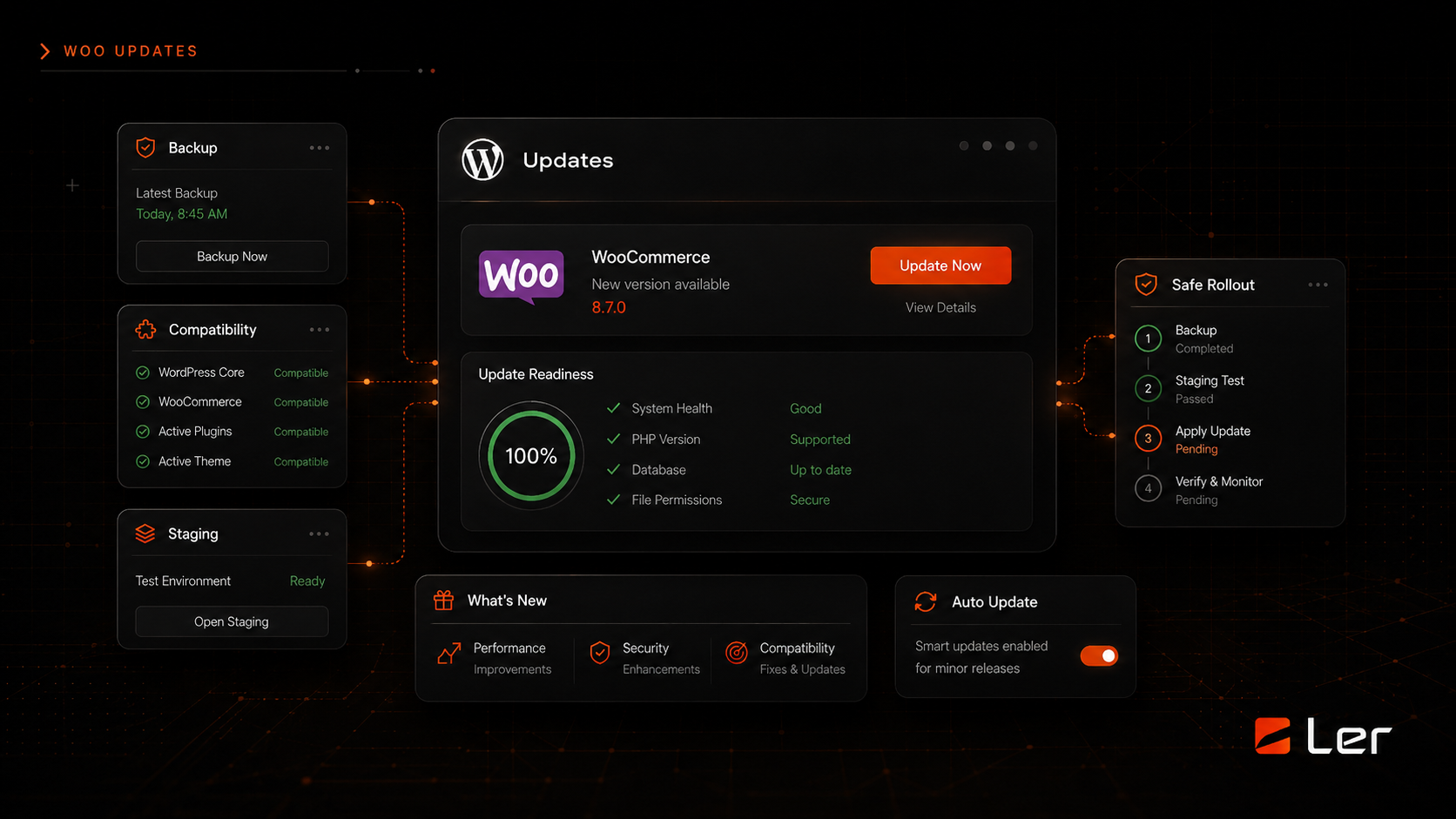
How to Update WordPress Safely
A safe order of operations for updating WordPress core, plugins, themes, and WooCommerce without gambling with the live site.
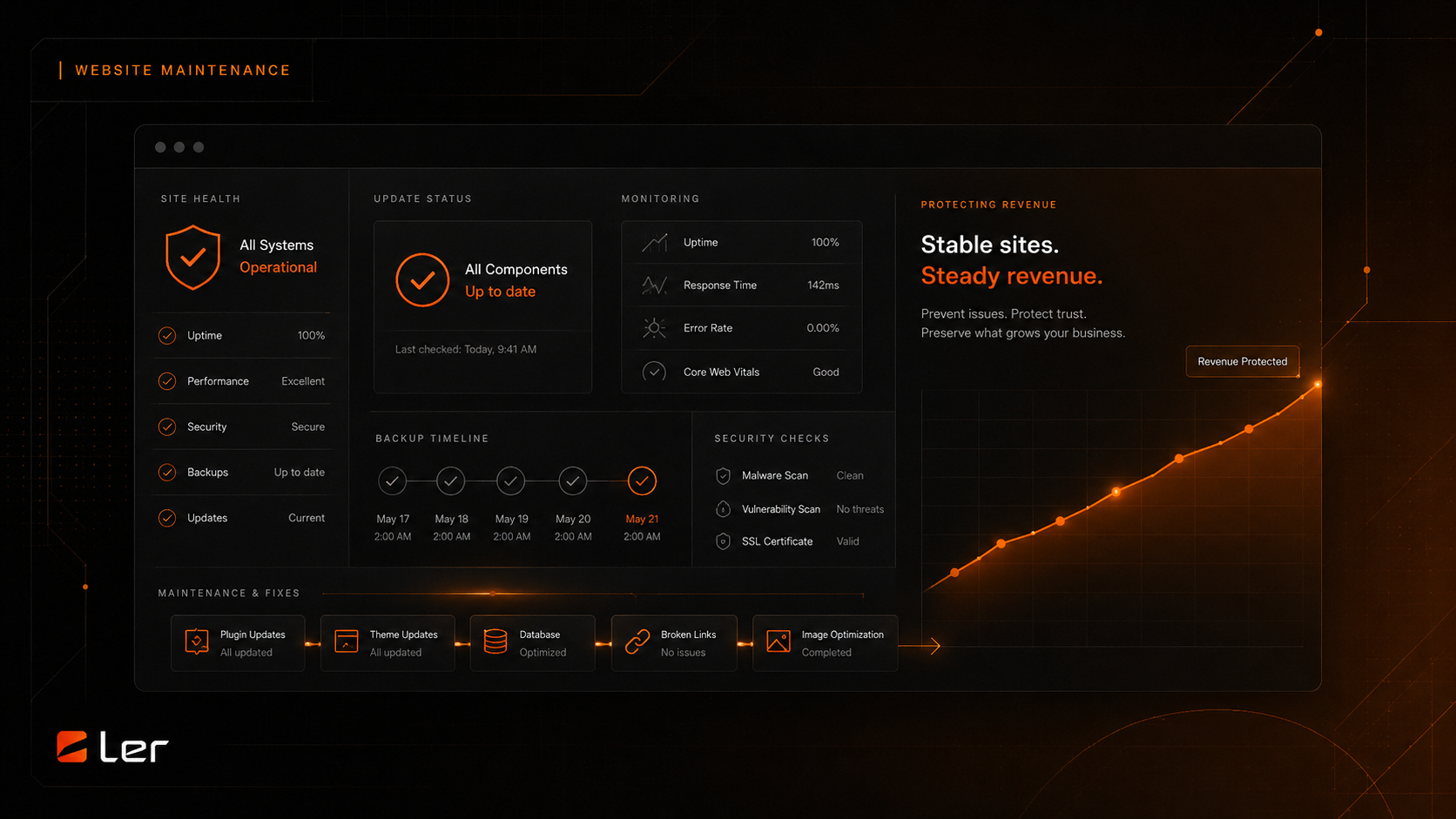
How to Back Up Your Site
What a real website backup includes, where to store it, and how to know whether it can actually be restored.
Related topics