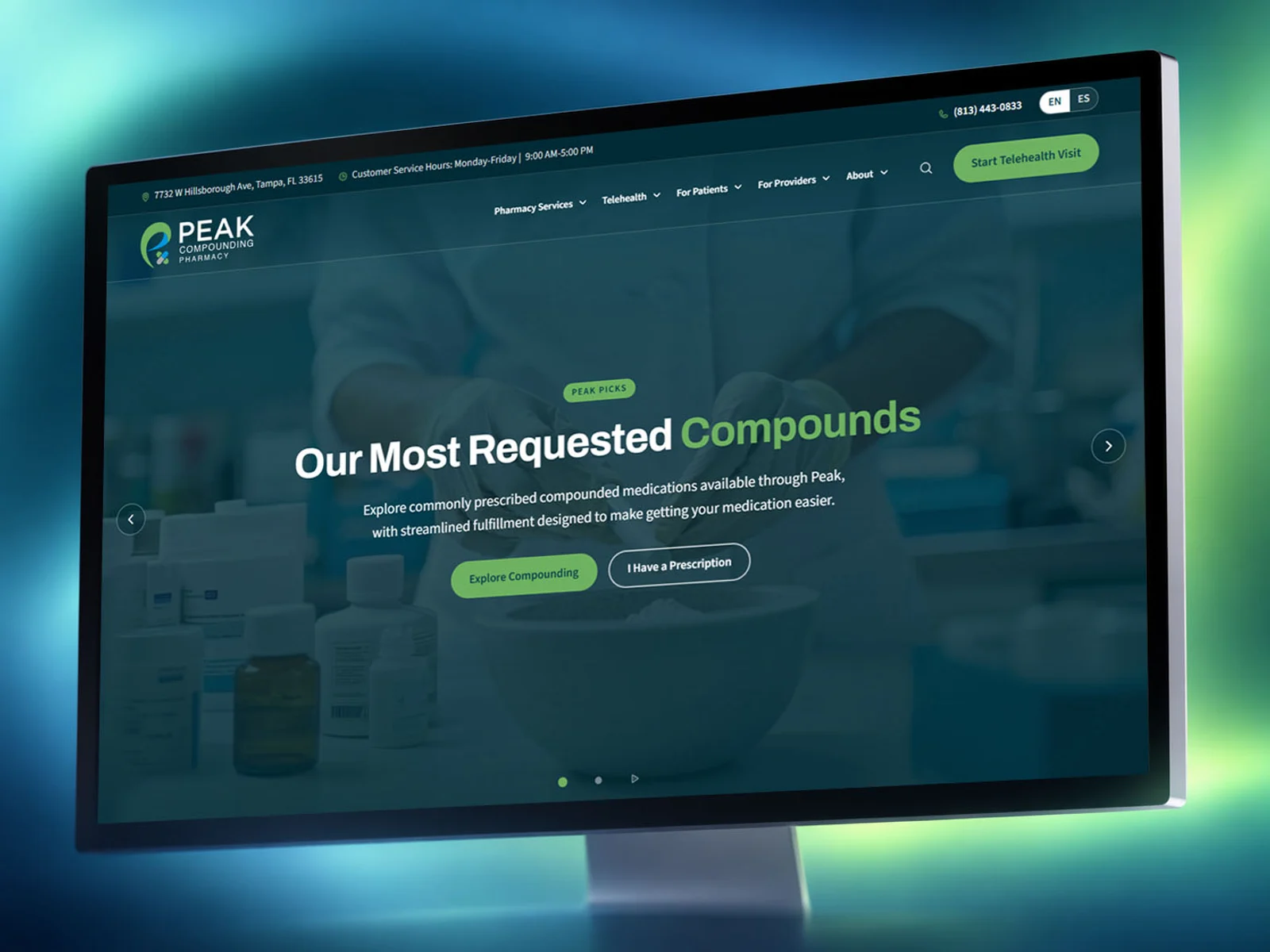
TNC Walk In Clinic · Case study
Three ways to be seen, one way to decide.
A rebuild for a Tampa urgent care clinic where walking in, reserving a time and seeing a provider online are the same decision, taken on a phone, usually by someone who already feels unwell.
What the site had to do.
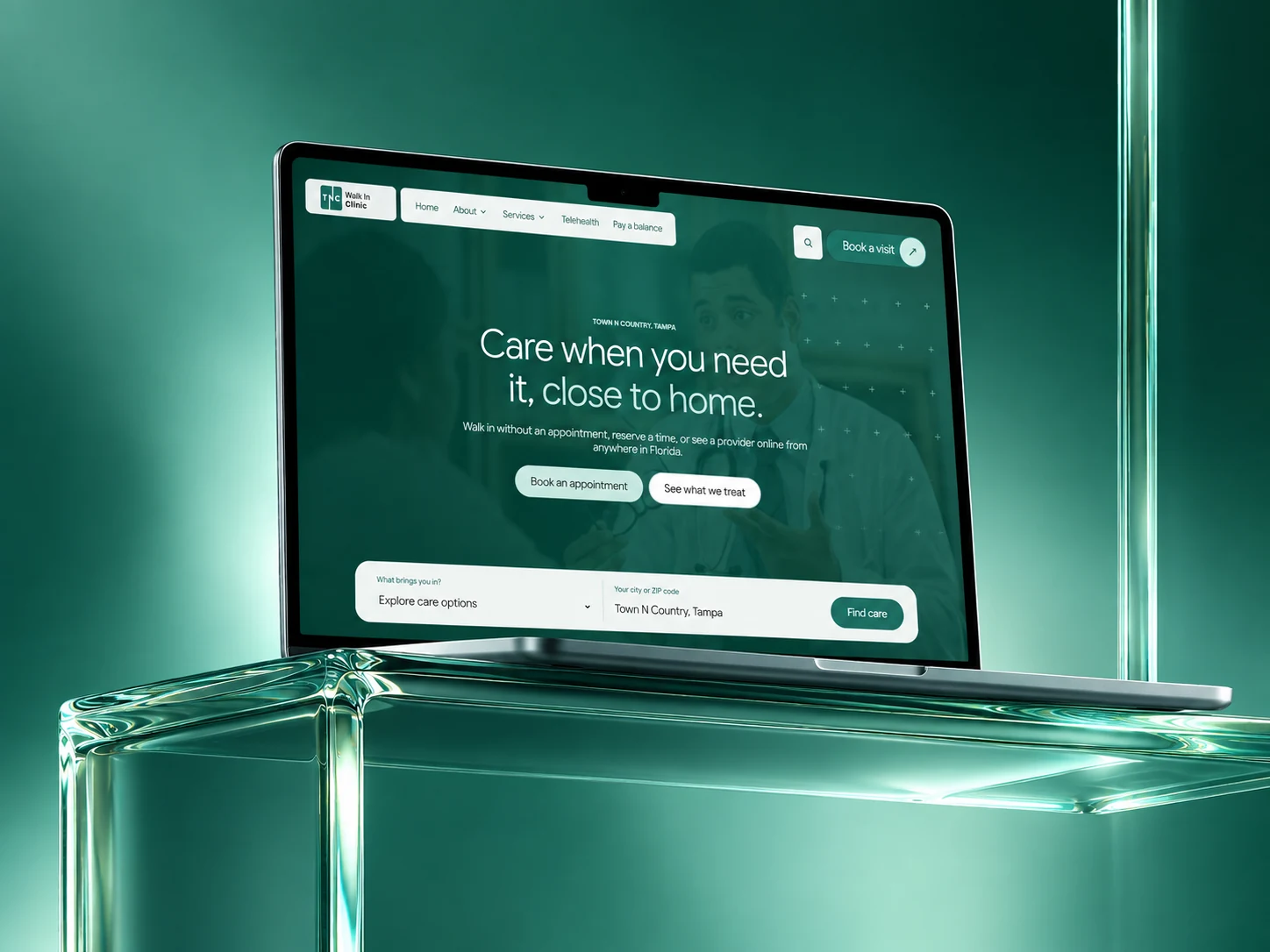
Somebody who feels ill decides three things in about a minute: can I be seen today, is my thing something you treat, and how much will it cost me. The site is built around those three, in that order, before it asks anything of them.
The clinic takes walk-ins, reserved times and telehealth across Florida. Those used to read as three separate offers. Now they are one question with three answers, so nobody has to know the clinic's internal vocabulary to get care.
- 59Pages in the build
- 34Conditions, each its own page
- 3Ways to be seen, one path
- In buildStatus, September 2026
What had to change.
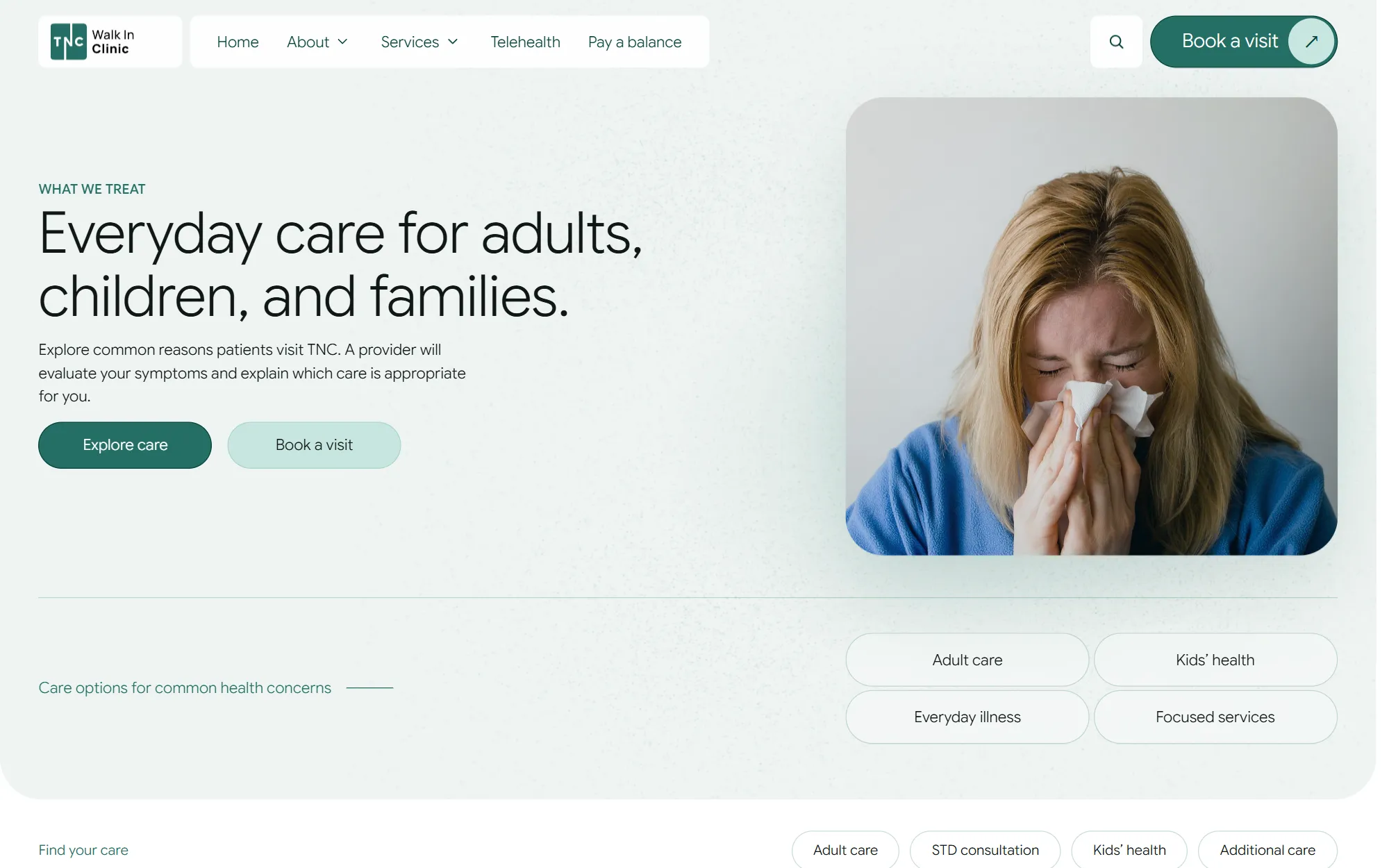
The 34 things the clinic treats needed their own pages, so a search for one of them lands somewhere useful.
Booking needed a real calendar, not a form that promises somebody will call back.
Telehealth needed to say plainly who can use it and where in Florida it reaches.
Paying a balance needed to be findable by someone who is not there to book anything.
Screens
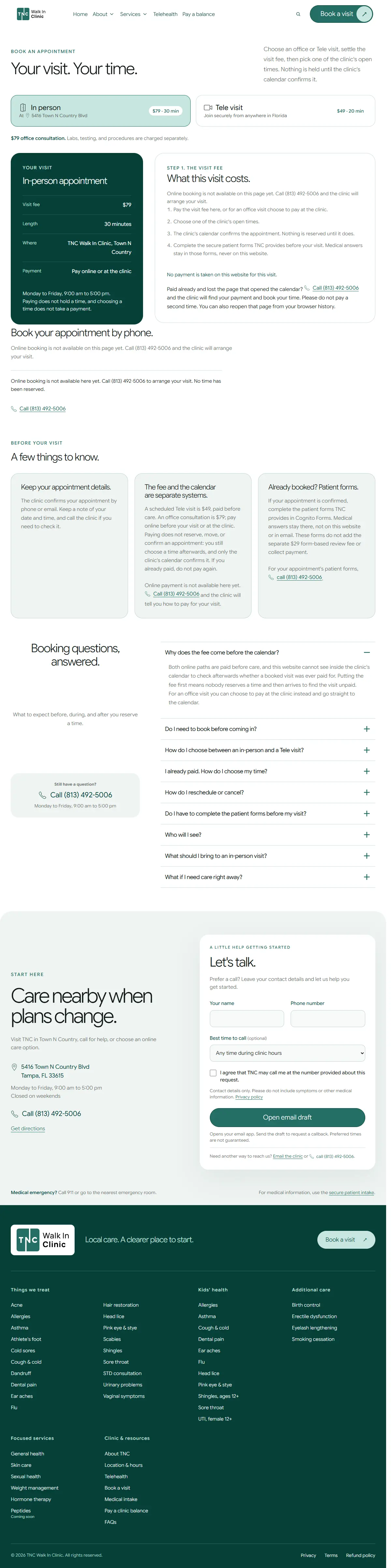
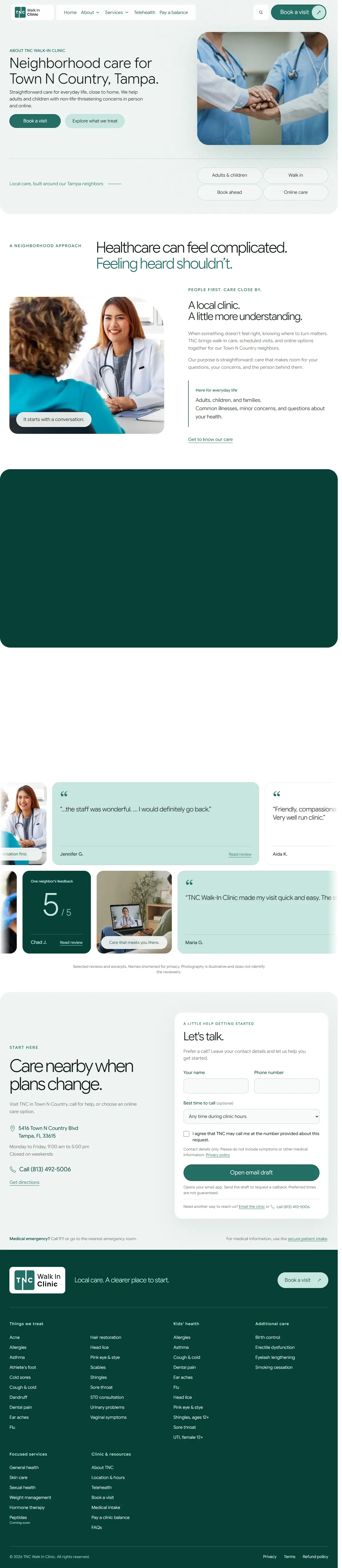
One system, three front doors.
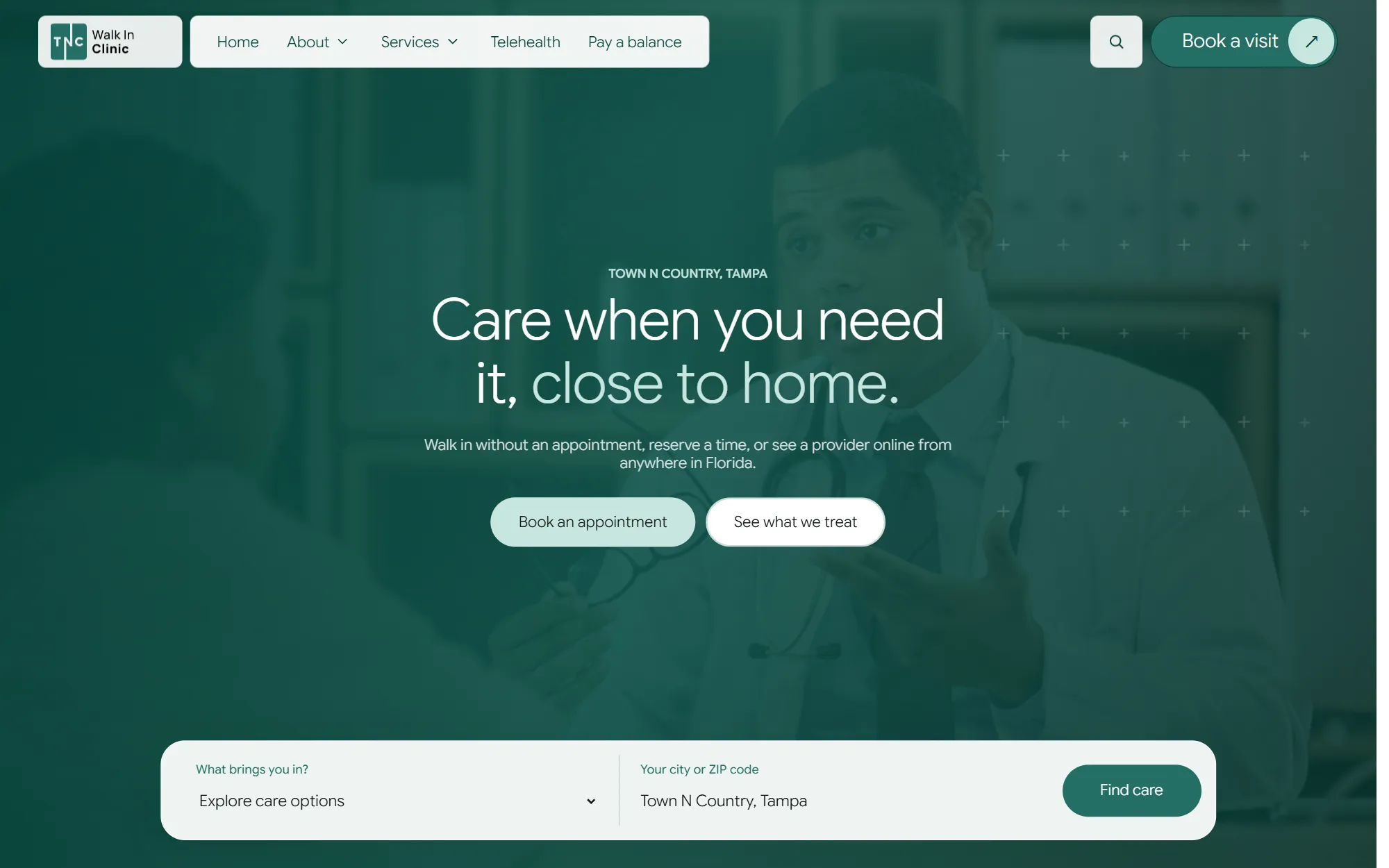
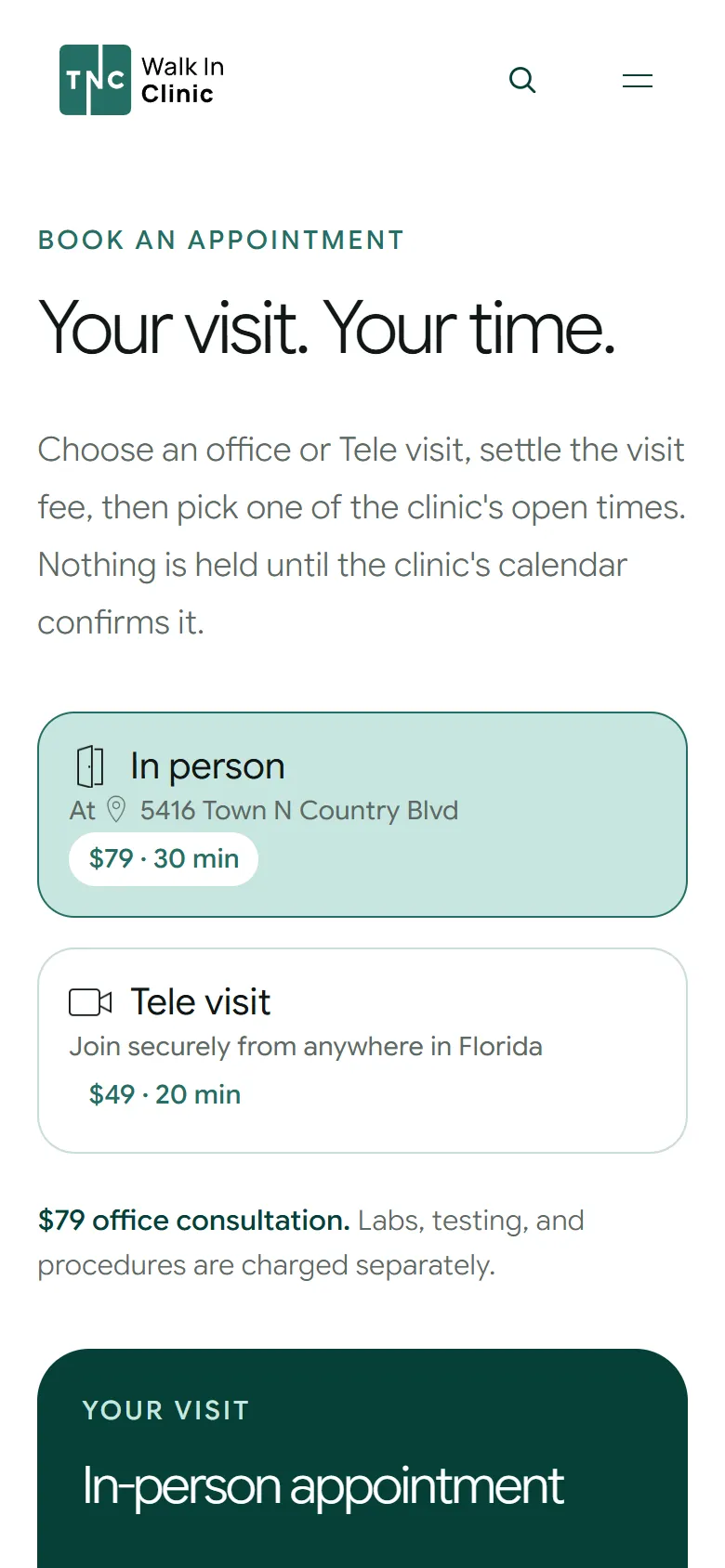
Home, conditions, telehealth, booking and about share a grid and a type scale, so the difference between a walk-in and a video visit is the words, not a different website.



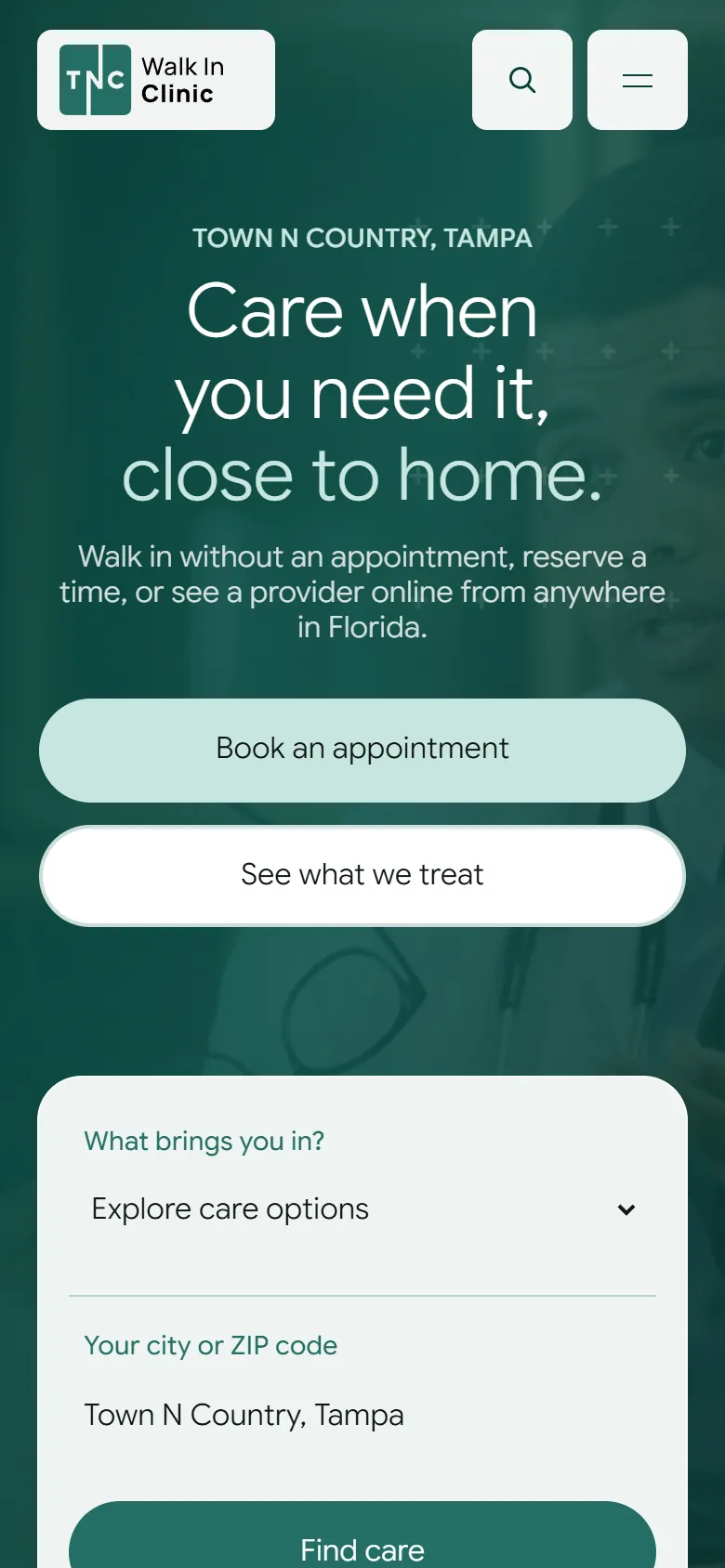
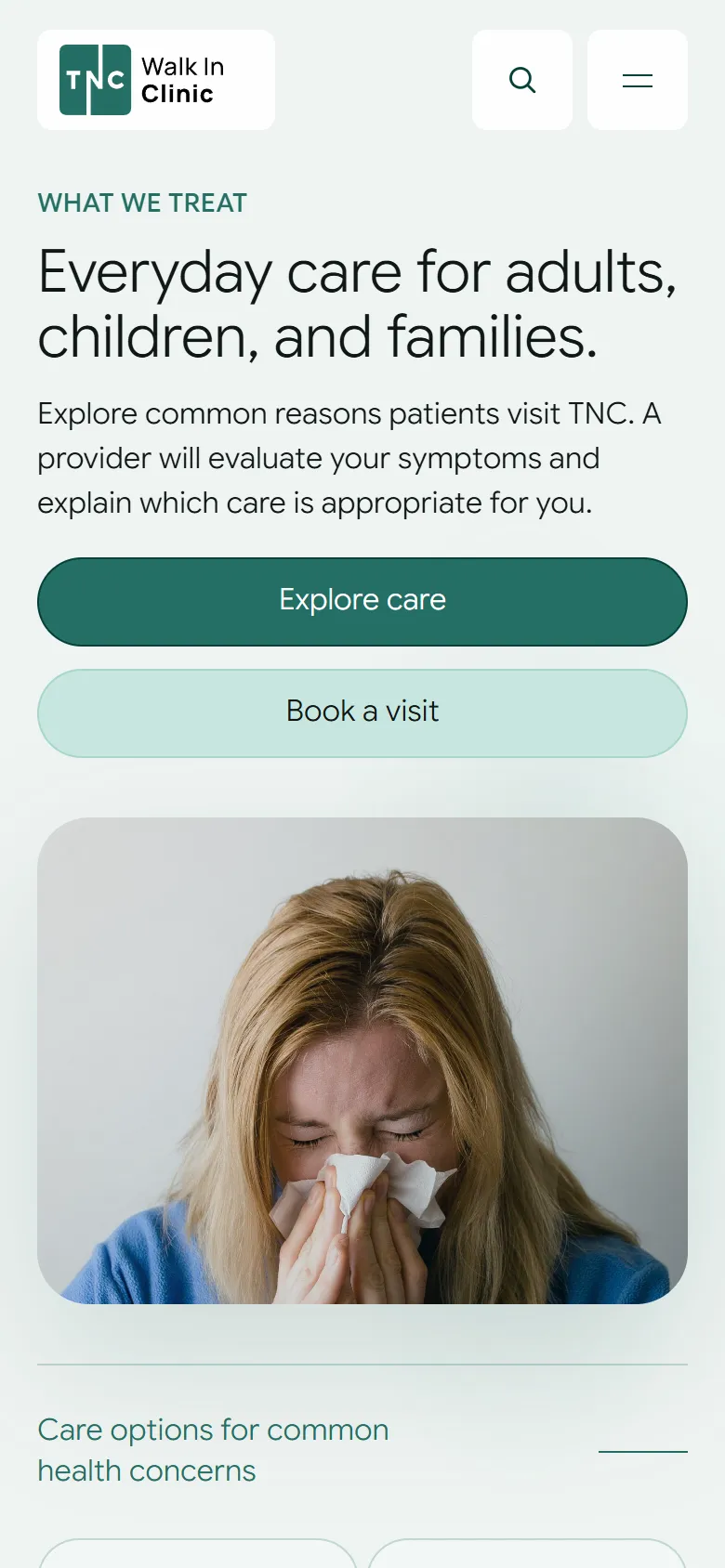
Decided on a phone, usually unwell.
Nobody researches urgent care at a desk. The care finder, the booking calendar and the clinic's hours are built for one thumb and a short attention span.
Visual system.
A deep clinical teal over a near-white wash, with the photography tinted to match so no stock photo pulls the page off-brand. Headings are set in Google Sans Flex, with Manrope behind it.
Type · Manrope
- #054038
- #246F65
- #C7E6DF
- #EFF4F2
- #101715
Where it stands.
The build sits on a password-protected staging site: 59 pages, the booking calendars, and the telehealth path end to end. The clinic's public site is unchanged, and nothing here claims a launch.
The screens above are the September 2026 staging release.
From the client.
“Fantastic job on our new website! It's easy to use, looks great, and has helped streamline patient bookings.”
How this one came together.
Four steps, and what each one had to settle.
The first minute
I put the three real questions first: can I be seen today, do you treat this, what will it cost. Everything else on the homepage sits below them.
A page per condition
I gave each of the 34 things the clinic treats its own page, so somebody searching a symptom lands on an answer rather than a services list.
Booking that books
I wired the reserved times and the telehealth visits to real calendars, so the site finishes the job instead of promising a callback.
Checks that stay
Every release runs its own suites across all 59 pages, so a broken path or a stale claim cannot quietly come back.