Map the decision path
I clarify the audience, task, content, friction points, and actions the interface needs to support.
Services
UI and UX design for websites, apps, portals, stores, and workflows that need clearer hierarchy, easier decisions, and cleaner user paths.
Reduce unnecessary steps, dead ends, and decisions that create friction.
Make important information, proof, and actions easier to find.
Build reusable patterns that scale across pages, screens, and future updates.
Check the design against real tasks while changing it is still cheap.
How I fix it
I don’t pass your project down a chain. I plan the structure, design it, build it, and stay on after launch, so every decision ties back to what the business needs.
See my workSee my workWhat I do
Final scope is defined per project, but these are the work areas commonly included.

User paths, sitemap or screen flow, wireframes, key page layouts, component logic, responsive behavior, design system foundations, and developer-ready handoff.

Good interface design helps visitors understand where they are, what matters, and what to do next.

It reduces risk, builds confidence, and makes saying yes easier.
Execution stays focused, founder-led, and practical so each decision has a clear purpose.
I clarify the audience, task, content, friction points, and actions the interface needs to support.
I design layouts, components, states, and hierarchy around real use instead of decoration.
I tighten responsive behavior, implementation details, and component logic so the design can be built cleanly.
If you already have a site, app, or portal, I review how people use it today before proposing changes, so fixes target real friction.
I plan contrast, focus states, labels, touch targets, and keyboard access into the design from day one rather than patching them after launch.
I design and build the interface myself, so nothing gets lost in handoff, and I stay your direct line after launch for adjustments.
My clients
Makecreati
A browser-based PDF platform, rebuilt off WordPress to take people from upload to finished file without detours.
case study
Prime Pharma
A responsive product presentation for a pharmaceutical brand: product education, brand trust and easy browsing.
case study
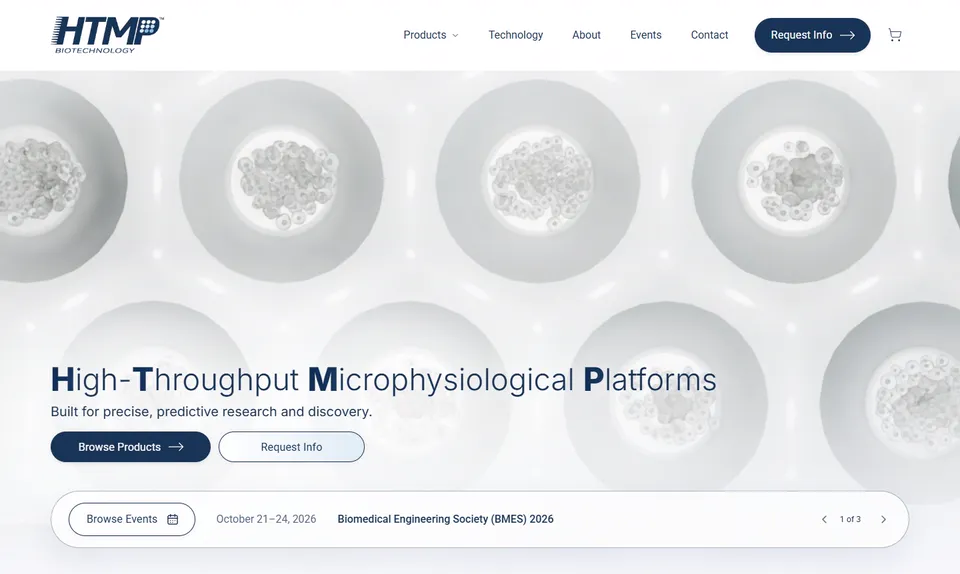
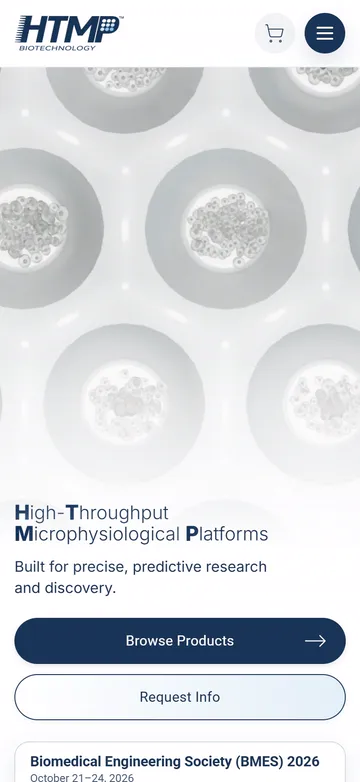
HTMP Bio
Advanced microphysiological platform technology, made precise, credible and easy to explore.
case study
New Life Regenerative Medicine
Regenerative medicine practice. Patient care alongside professional training programs and clinical education.
case study
CED Marine
Marine wholesale supplier. Boating parts and accessories across a multi-brand, manufacturer-backed catalog.
Cadence Community Management
Community-management support, explained with less clutter.
case study
Milam Transport
A logistics site that communicates equipment, reliability and service coverage clearly.

Seven One Seven
Valet, monthly and event parking, managed across Tampa Bay properties since 1990.
Testimonials
Real reviews from real clients. Here’s what they said after working with me.
5/5
Google review
Biotech
Industry

“Ed is a fantastic web designer, and truly cares about the vision of the company.”
5/5
Google review
Ecommerce
Industry

“He’s always responsive and proactive at troubleshooting.”
5/5
Google review
HOA
Industry

“From start to finish, everything turned out brilliantly.”
5/5
Google review
Marine
Industry

“I highly recommend this company for their outstanding service, efficiency, and commitment to excellence.”
5/5
Google review
Renovation
Industry

“Highly recommend their work!”
Recommended
Healthcare
Industry

“Fantastic job on our new website! It's easy to use, looks great, and has helped streamline patient bookings.”
Recommended
Wellness
Industry

“He made the whole process seamless and created a website that truly represents our brand.”
FAQ
The ones I get asked most. If yours isn’t here, ask me directly and I’ll answer it straight.
It depends on complexity. I use the level of structure needed to make decisions clearly before visual polish.
Yes. I can focus on friction points, forms, checkout, booking, service pages, or a full redesign path.
Yes. Handoff includes responsive behavior, component logic, states, and notes where needed.
Yes. Conversion work is stronger when hierarchy, content, trust signals, and interaction patterns are aligned.