
Resources
Your LER Client Portal
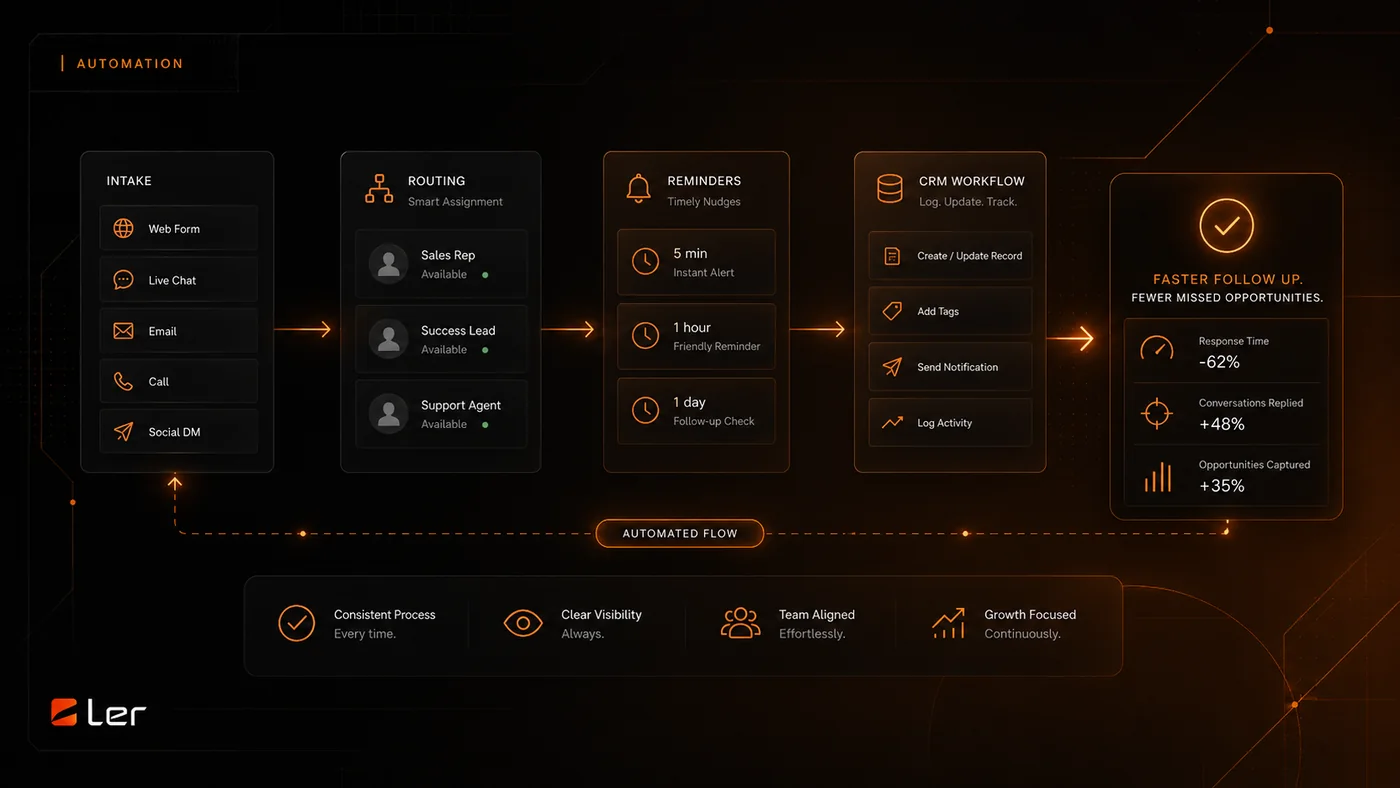
The client portal at myaccount.lerws.com gives clients a central place to manage support, account visibility, billing, and site-related requests.
What the portal is for
Use the portal for site requests, support needs, billing visibility, account updates, and ongoing work connected to your LER relationship.
It is especially useful when a request should not disappear inside a text thread or inbox. Portal requests are easier to track, prioritize, and close.
For urgent or simple context, WhatsApp or email may still be used. The portal keeps the official support record cleaner.
What to include in a request
Include the page URL, what you expected to happen, what actually happened, screenshots if helpful, and whether the issue affects leads, checkout, appointments, or client access.
For content changes, include the exact replacement text, image, link, or document. For design changes, include the page section and what needs to feel different.
For bugs, describe the device, browser, and steps to reproduce if you know them.
How requests are handled
Requests are reviewed for urgency, scope, and the right next step. Some requests are quick edits. Others require estimate, access, staging, or a scheduled release.
If a request is outside the current plan or project scope, I will identify it before proceeding.
If something affects a live revenue path, client trust, or security, say that in the request so it can be prioritized correctly.
Logging in
Go to myaccount.lerws.com and use the account associated with your LER client relationship.
If you cannot log in, use the support page or direct contact channel and include the email address that should have access.
Do not share one login across a team if individual access can be set up. Named access is cleaner for support and accountability.
More Working with LER Docs
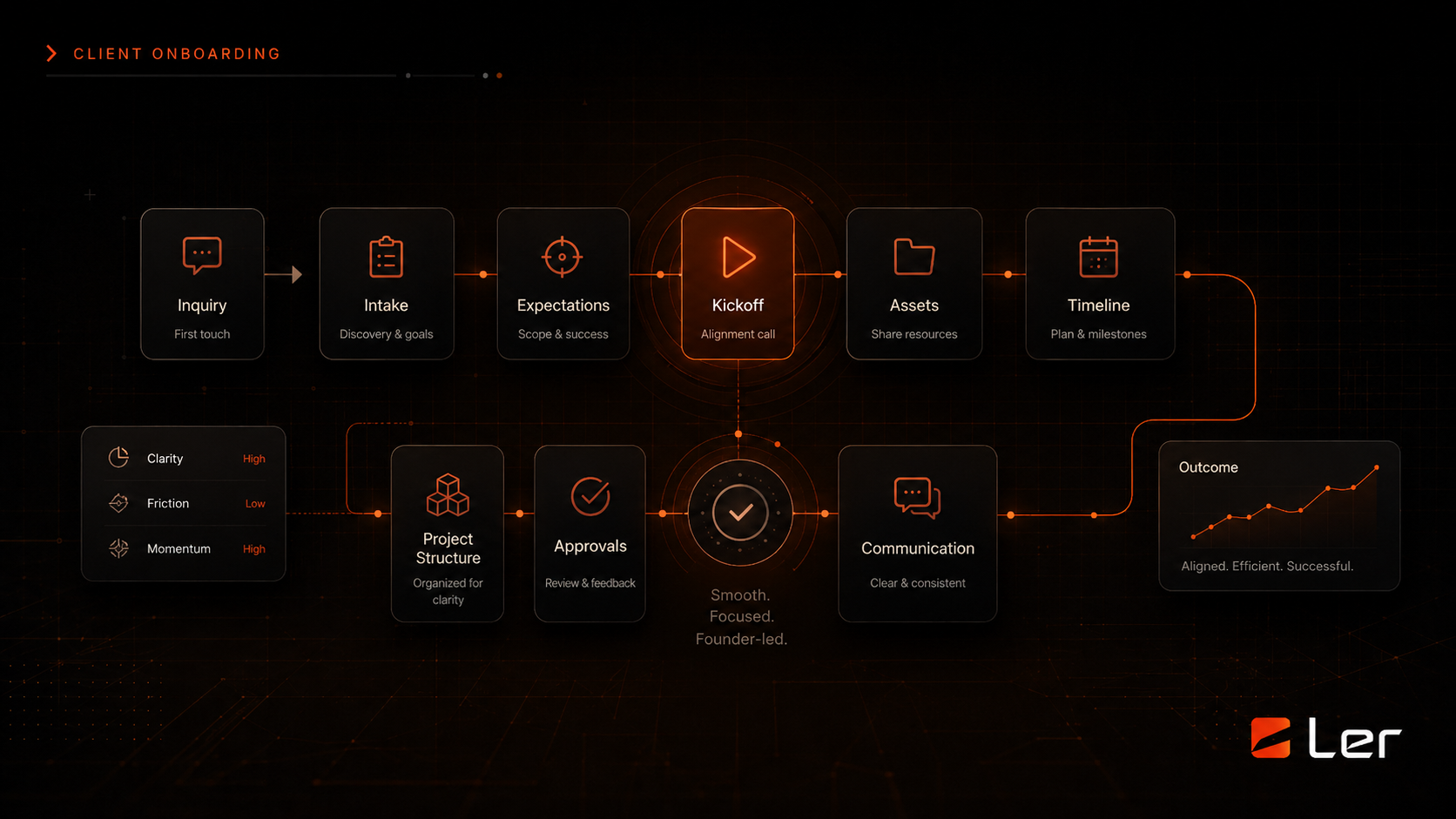
How We Communicate During a Project
How LER keeps website projects clear through email, WhatsApp, Asana, shared boards, and direct founder-led updates.
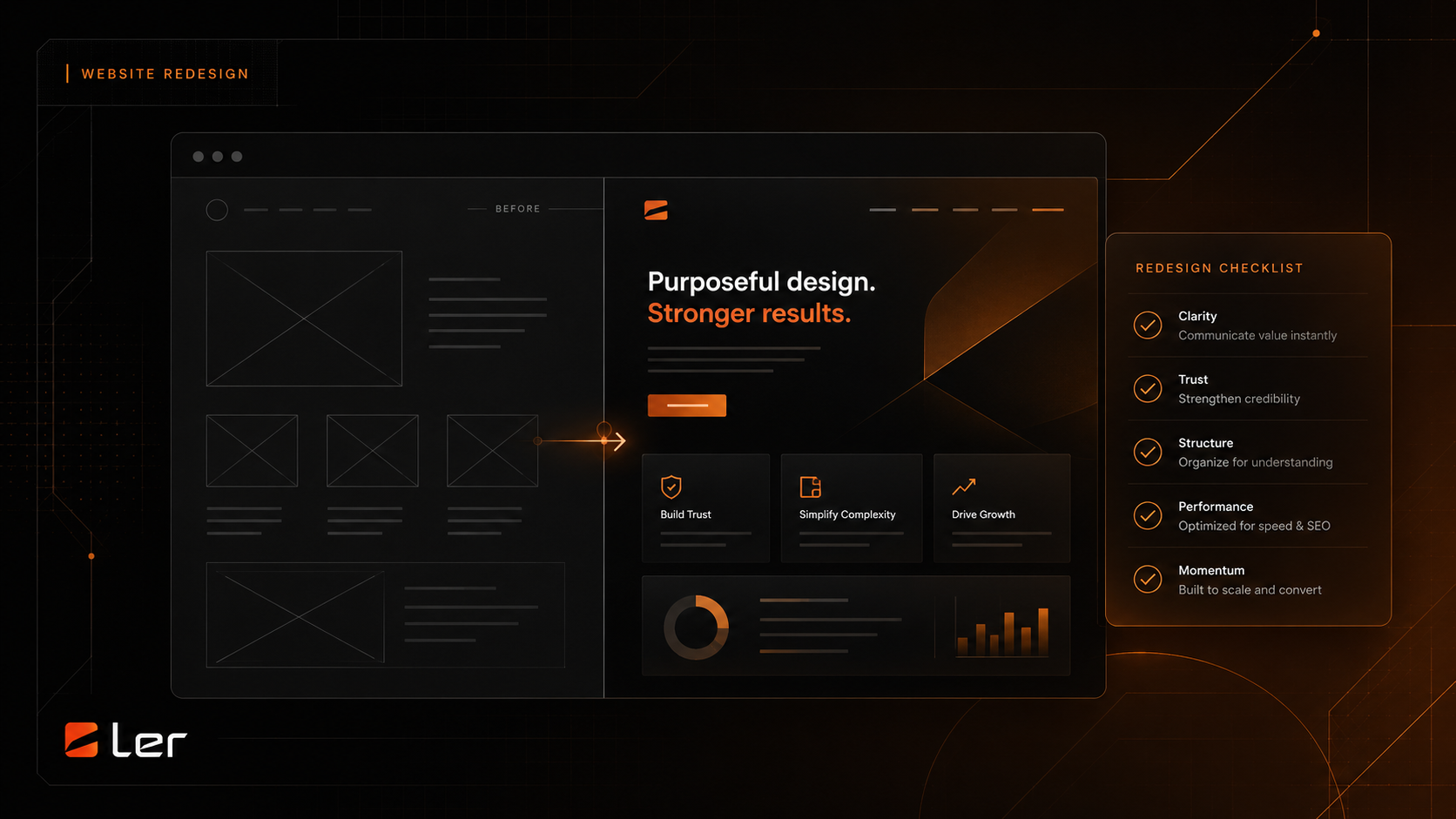
How Staging and Launches Work
How LER uses private staging, review steps, launch windows, backups, and reversible release practices for website launches.
Related topics