
Blog
Choosing Between Webflow, WordPress, and Custom Development
 Ed Romero

A practical way to choose the right platform based on editing needs, scale, integrations, and budget.
Choose based on operating needs
A platform decision should start with how the business will operate the site after launch. Who edits pages? How often does content change? Are there products, memberships, forms, bookings, or integrations?
The right platform is the one that supports those needs without creating unnecessary maintenance or locking the business into a workflow it will not use.
Where Webflow fits
Webflow can be a strong fit for marketing sites that need polished visual control, fast iteration, and a clean editor experience. It works best when content types and integrations are not overly complex.
It may be less ideal when the business needs deep plugin ecosystems, advanced editorial workflows, complex e-commerce logic, or heavy custom backend behavior.
Where WordPress fits
WordPress is useful when the business needs content flexibility, custom themes, SEO control, integrations, memberships, WooCommerce, or a familiar admin workflow.
The tradeoff is maintenance. WordPress should be built with plugin discipline, backups, update practices, and clear ownership.
When custom development is worth it
Custom development makes sense when the website is really a product, portal, workflow, or system. It can fit unusual requirements better than forcing a builder or CMS to behave like software.
The tradeoff is planning and responsibility. Custom work needs clear requirements, version control, testing, hosting, and ongoing support.
How to apply this to your site
Choose one important page and review it through the visitor's lens. Ask what the visitor needs to understand, believe, and do before they are ready for the next step.
Then look for the first point of friction: vague copy, weak proof, slow loading, too many choices, missing service details, unclear pricing signals, or a call to action that does not match intent.
What LER looks for in a review
I look at message clarity, page structure, proof placement, mobile behavior, conversion paths, speed, maintenance risk, and whether the website matches the real maturity of the business.
The best recommendations are prioritized. A website rarely needs every possible improvement at once; it needs the next right improvement in the right order.
Read what’s next

SEO Checklist Before Launching a Redesigned Website
A pre-launch SEO checklist for redesigned websites covering redirects, metadata, content, analytics, speed, and search visibility.

Website Redesign Cost Factors for Established Businesses
A plain-English breakdown of the factors that change website redesign scope, complexity, and timeline without publishing private project pricing.
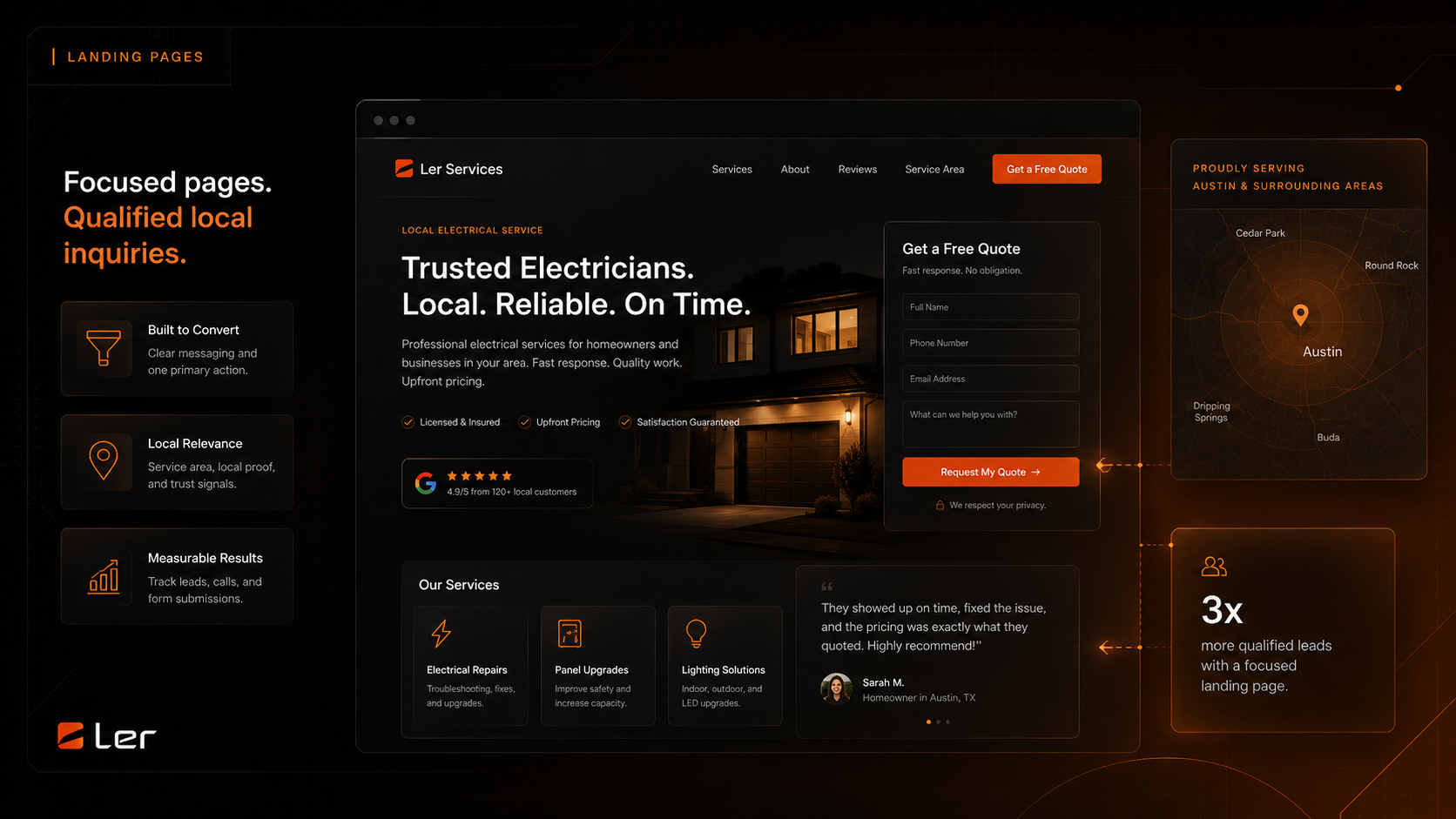
Local Service Landing Page Structure That Converts
A practical structure for local service landing pages that need clearer offers, stronger proof, better location signals, and more qualified inquiries.

What to Prepare Before a Website Growth Audit
What to gather before a website audit so the recommendations are sharper and easier to act on.

Why Your Contact Form Is Not Enough
Why better intake, routing, confirmation, and follow-up matter after the form submission.
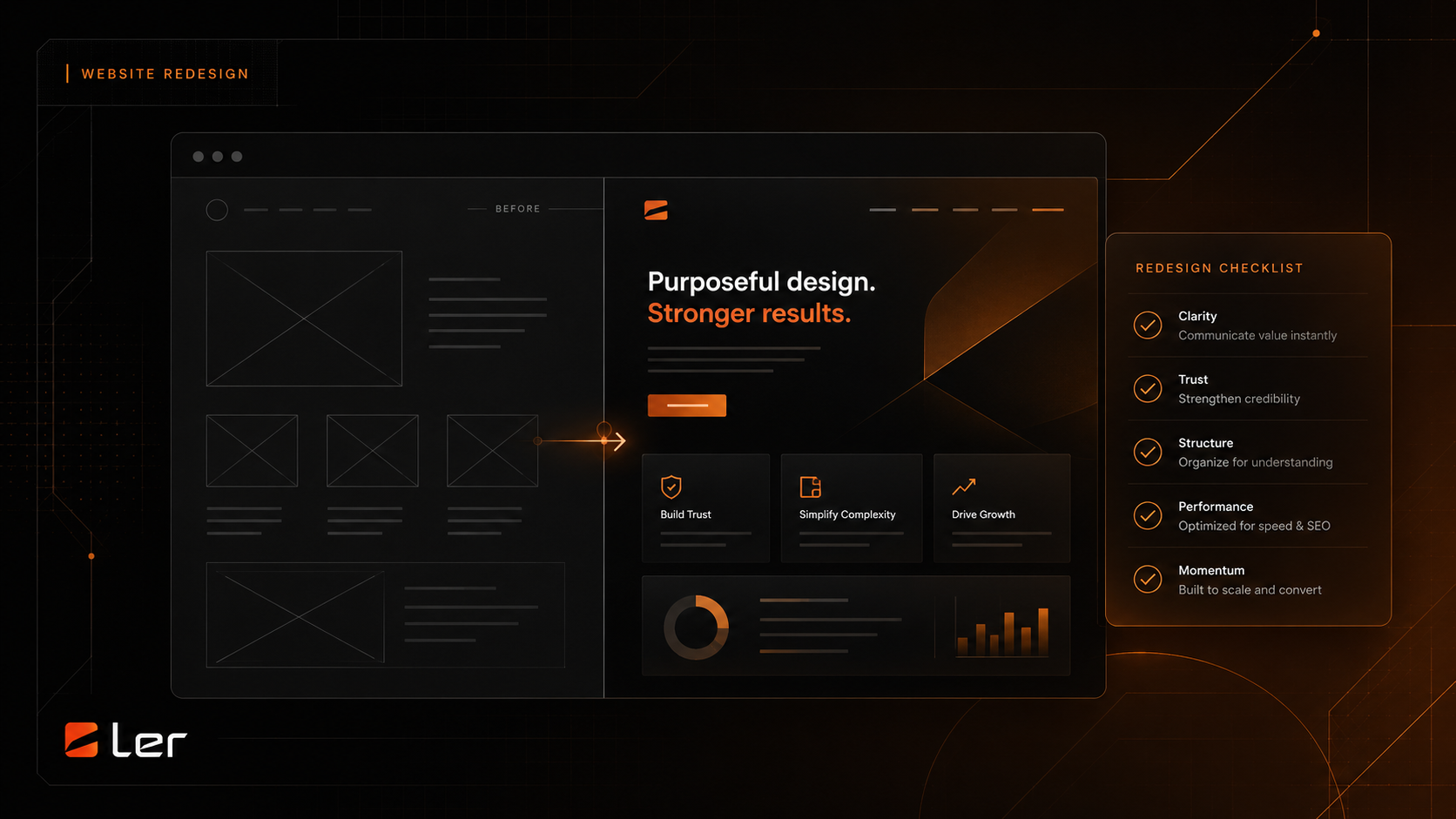
Website Redesign Checklist for Established Businesses
A practical checklist for redesigning a website without losing clarity, trust, or momentum.