
Blog
How Website Maintenance Protects Revenue
 Ed Romero
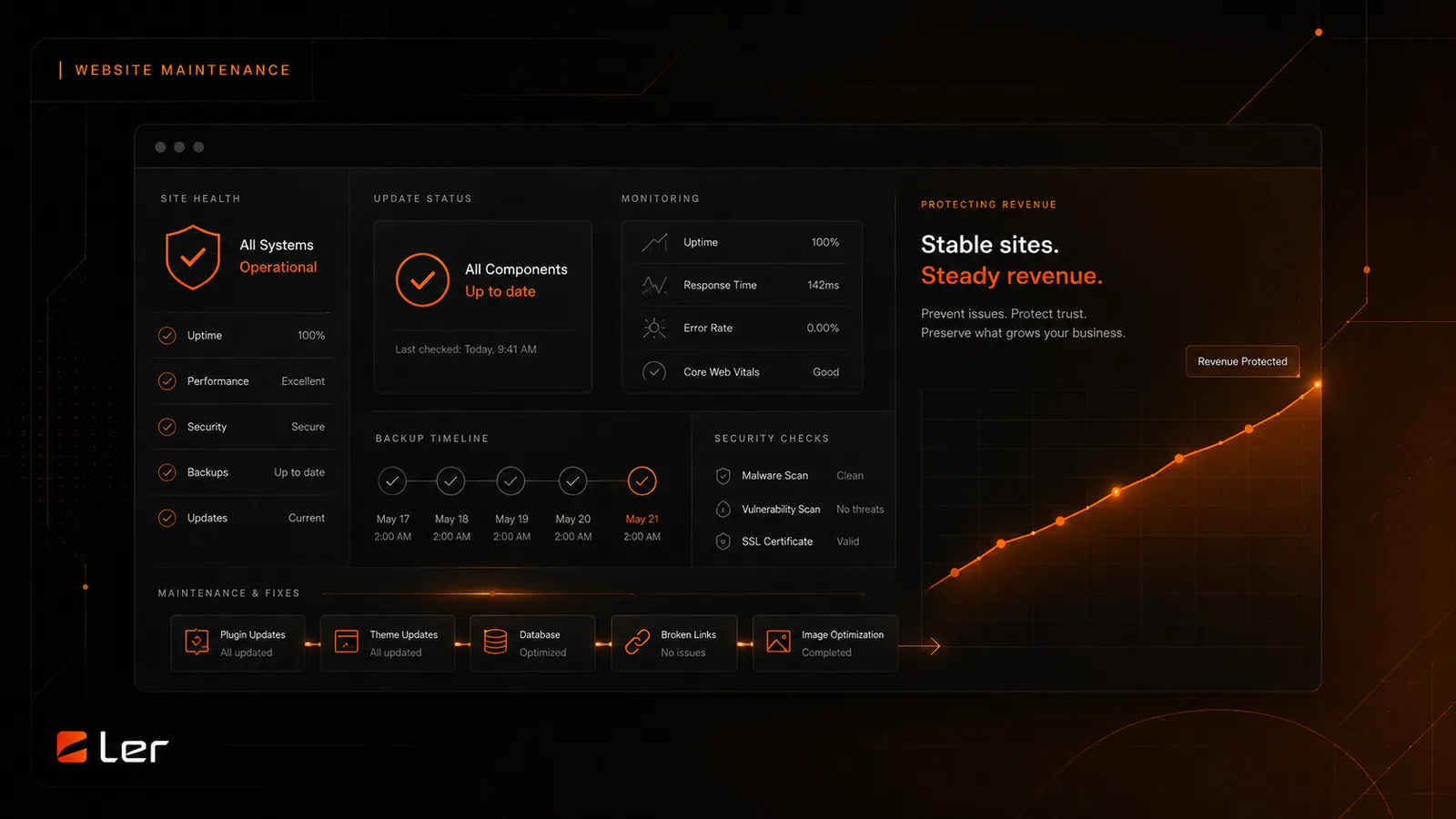
Why updates, monitoring, backups, and small fixes matter for revenue and trust.
Maintenance protects the moments that make money
A website supports revenue through forms, calls, bookings, checkout, logins, downloads, and trust-building content. Maintenance protects those paths from avoidable failure.
When a form stops sending, a checkout script conflicts, or a page slows down after an update, the cost is not only technical. The cost is missed opportunity and weaker trust.
Updates need discipline
WordPress, plugins, themes, and integrations need updates. The risk is not updating. The risk is updating without backups, staging, testing, or knowing which workflows matter most.
A maintenance plan should prioritize the parts of the site tied to leads, sales, appointments, and client access. Those areas deserve more care than a decorative plugin.
Backups turn problems into recoverable events
A backup does not prevent every issue, but it changes the response. If an update breaks the site or a file is lost, a restore point can shorten downtime and reduce panic.
Good backups include files and database, retain more than one restore point, and can be restored by someone who understands the site.
Small fixes compound
Maintenance also catches the small things: broken links, outdated copy, slow images, form spam, expired embeds, missing redirects, and plugin clutter.
Those details rarely feel urgent alone, but together they affect credibility. A maintained site feels current because someone is paying attention.
How to apply this safely
Start with the site parts that create revenue or trust: forms, checkout, booking, login, search, account pages, and important service pages. Those areas should be checked before and after maintenance work.
Keep a simple record of what changed, when it changed, and who approved it. That record is useful when a plugin update, script, or hosting change creates an issue later.
When to ask for help
Ask for help before changing anything tied to payments, WooCommerce, memberships, bookings, form delivery, DNS, email, analytics, security, or custom theme code.
Maintenance is easiest when risk is named early. A short review before the change is usually cheaper than emergency repair after a live workflow breaks.
Read what’s next

WordPress Maintenance Checklist for Business Owners
A practical WordPress maintenance checklist for business owners who want safer updates, stronger backups, and fewer website surprises.
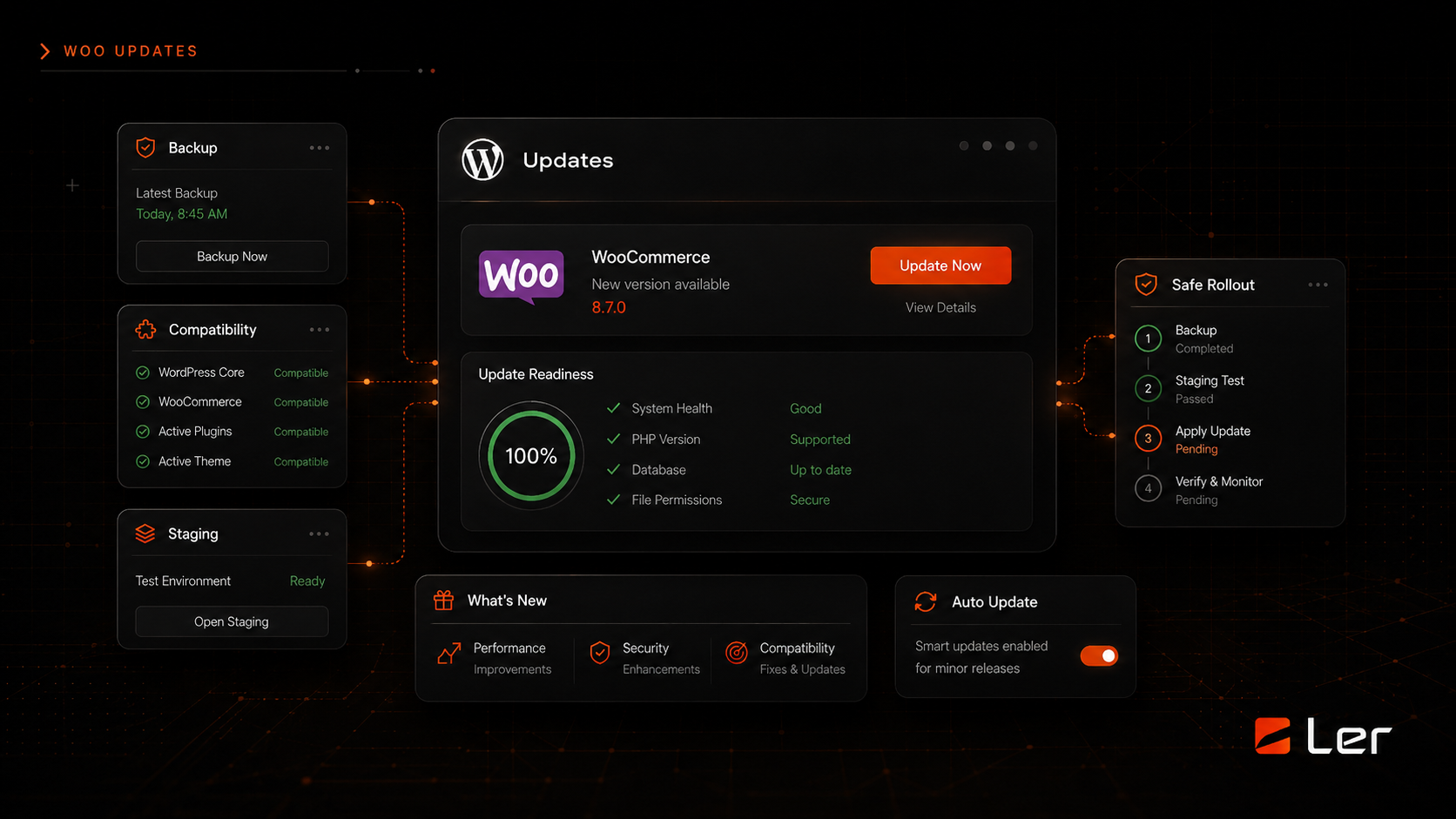
WordPress Is Asking for a WooCommerce Update
What to check before updating WooCommerce and how to avoid breaking the storefront.
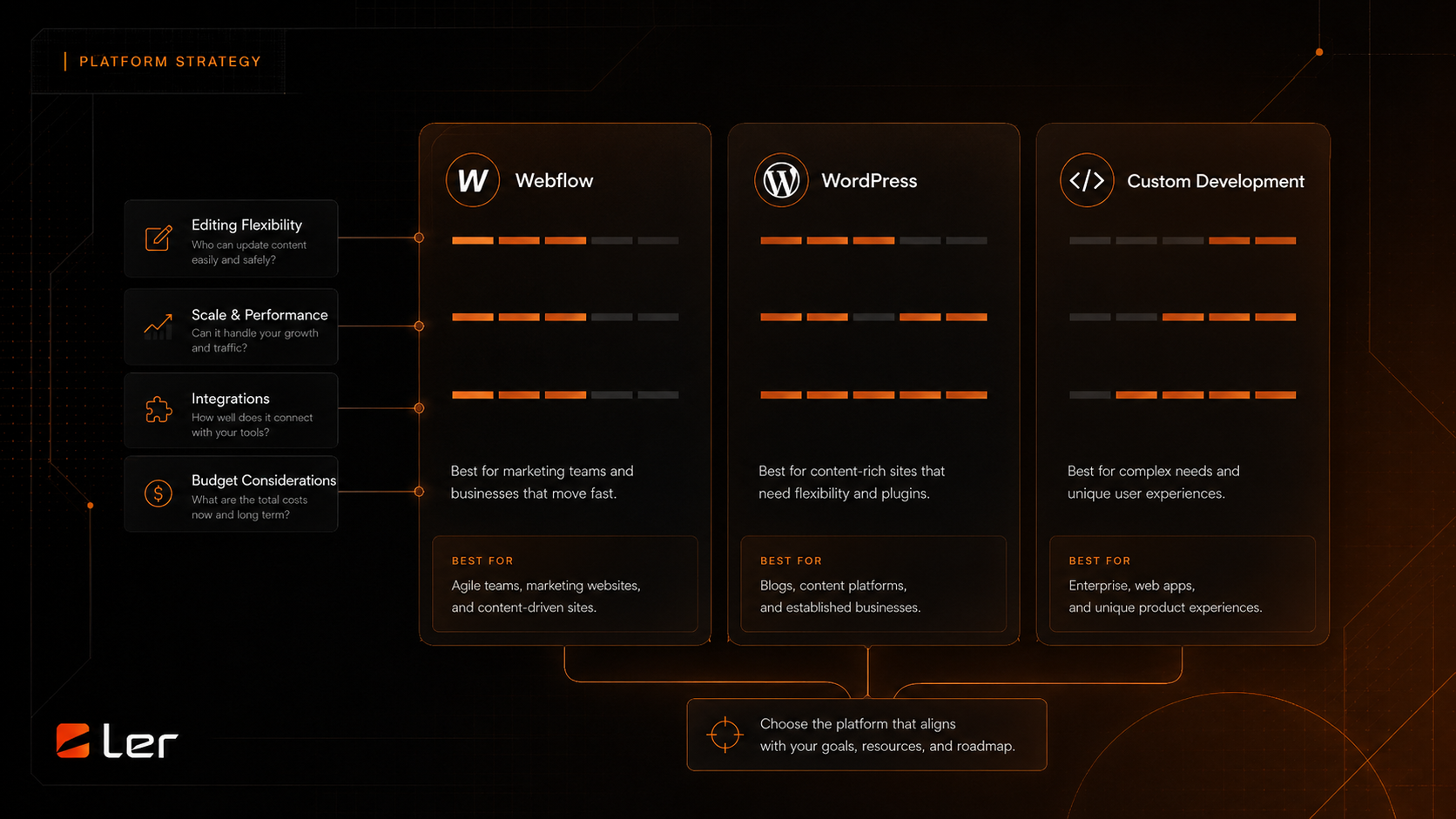
Affiliate Program vs. Agency Partner Program
How to choose between making a useful introduction and building a deeper delivery relationship with LERWS.

SEO Checklist Before Launching a Redesigned Website
A pre-launch SEO checklist for redesigned websites covering redirects, metadata, content, analytics, speed, and search visibility.

Website Redesign Cost Factors for Established Businesses
A plain-English breakdown of the factors that change website redesign scope, complexity, and timeline without publishing private project pricing.
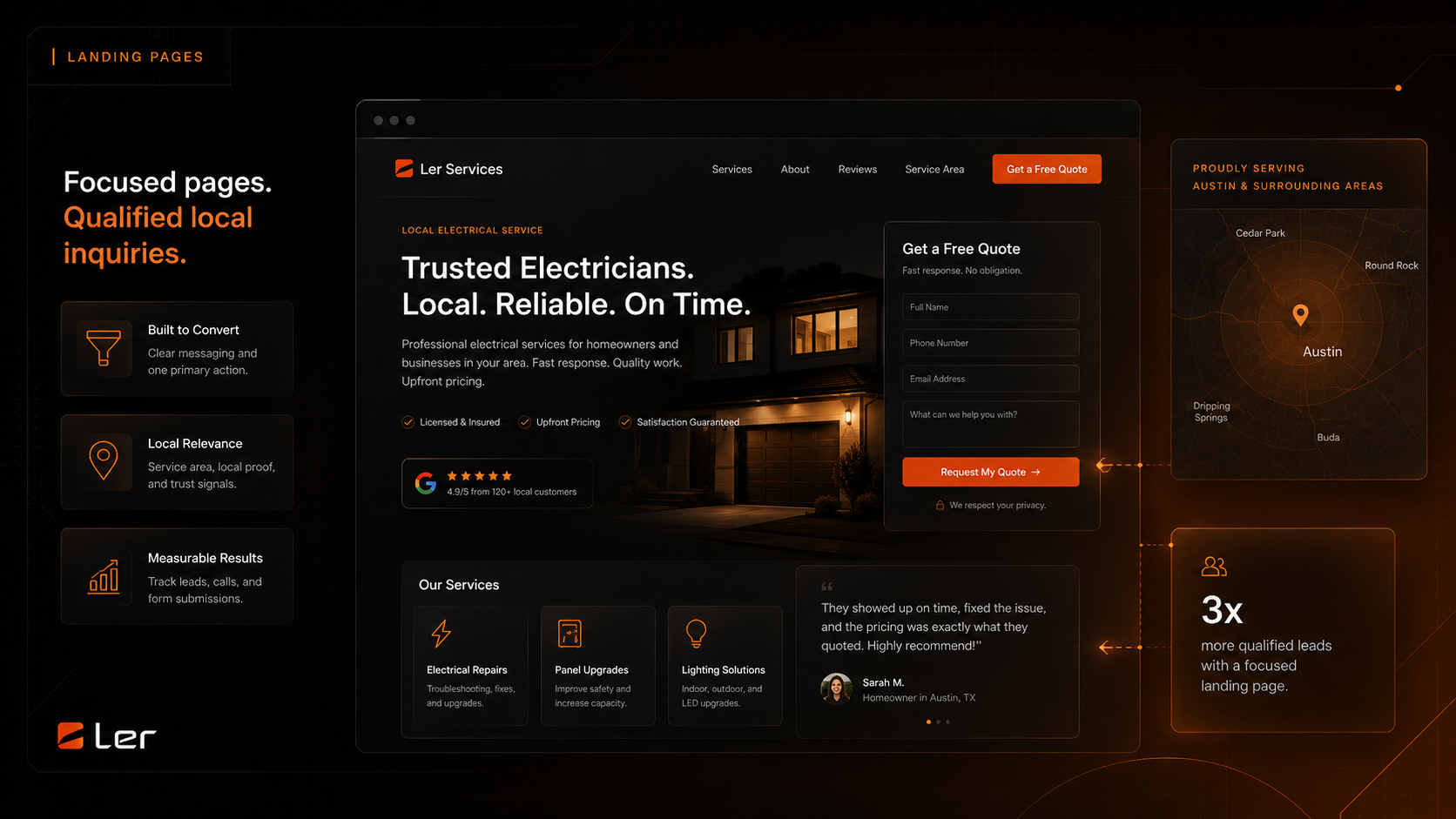
Local Service Landing Page Structure That Converts
A practical structure for local service landing pages that need clearer offers, stronger proof, better location signals, and more qualified inquiries.