
Blog
WordPress Is Asking for a WooCommerce Update
 Ed Romero
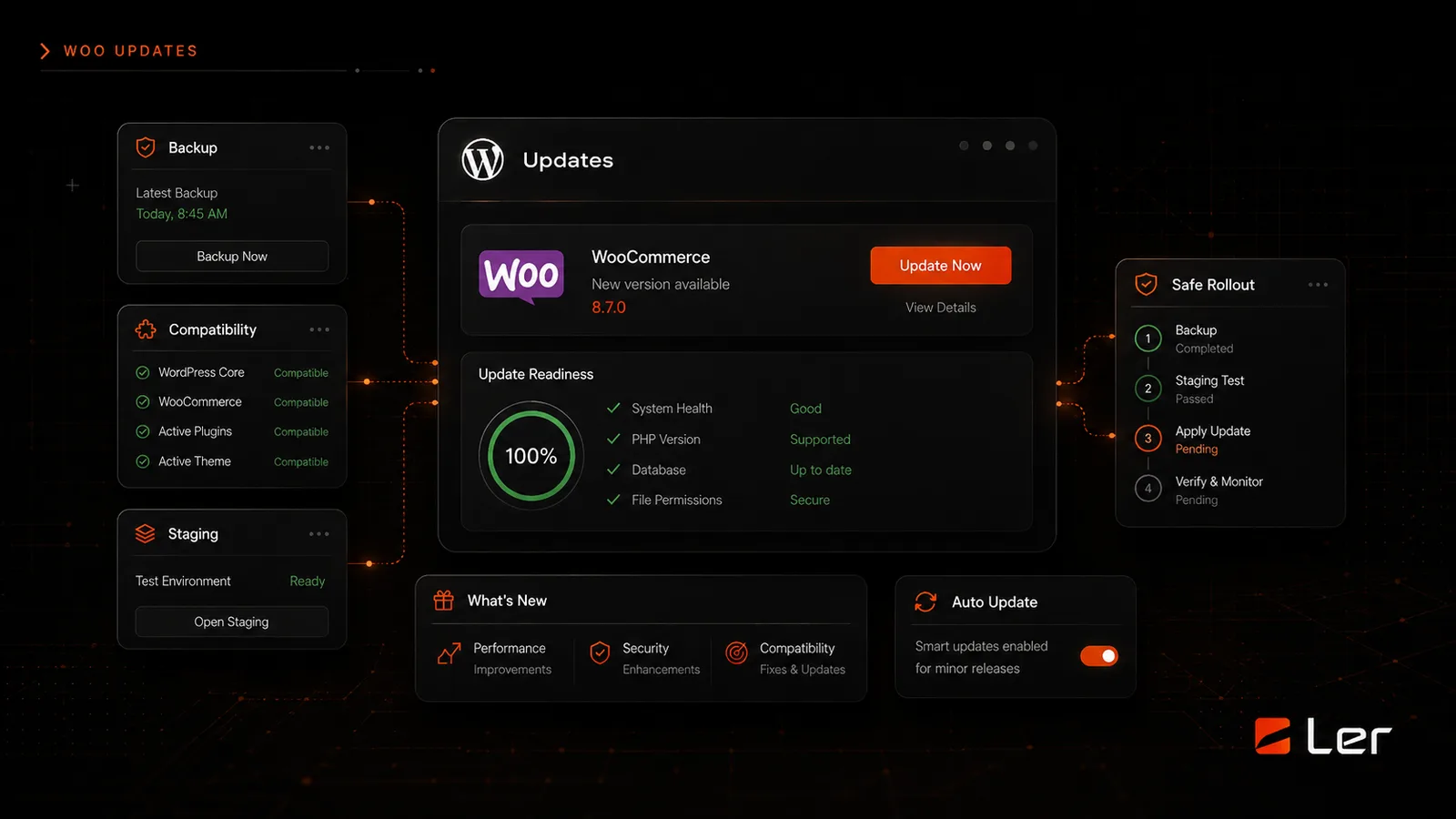
What to check before updating WooCommerce and how to avoid breaking the storefront.
Do not treat WooCommerce like a small plugin
WooCommerce controls products, cart, checkout, payments, tax, shipping, emails, account pages, and often subscriptions or memberships. An update can touch the revenue path directly.
That does not mean updates should be avoided. It means they should be handled with backups, staging when needed, and checkout testing.
Check compatibility first
Before updating, review WooCommerce, payment gateways, shipping tools, subscriptions, page builder modules, custom theme code, and any checkout-related extensions.
If one key extension is not compatible, the safer move may be to wait, test on staging, or update in a planned window instead of clicking update immediately.
Test the checkout path
After updating, test product pages, cart, checkout, payment options, order confirmation, customer emails, and account pages. If the store uses coupons, shipping rules, or subscriptions, test those too.
For active stores, use staging first and schedule the live update during a low-risk window. Keep a rollback plan.
Watch after launch
Some issues only appear after real customers interact with the store. Watch orders, failed payments, error logs, form notifications, and support messages after the update.
If something feels wrong, stop making additional changes. Identify the update, extension, or theme conflict before adding more variables.
How to apply this safely
Start with the site parts that create revenue or trust: forms, checkout, booking, login, search, account pages, and important service pages. Those areas should be checked before and after maintenance work.
Keep a simple record of what changed, when it changed, and who approved it. That record is useful when a plugin update, script, or hosting change creates an issue later.
When to ask for help
Ask for help before changing anything tied to payments, WooCommerce, memberships, bookings, form delivery, DNS, email, analytics, security, or custom theme code.
Maintenance is easiest when risk is named early. A short review before the change is usually cheaper than emergency repair after a live workflow breaks.
Read what’s next

WordPress Maintenance Checklist for Business Owners
A practical WordPress maintenance checklist for business owners who want safer updates, stronger backups, and fewer website surprises.
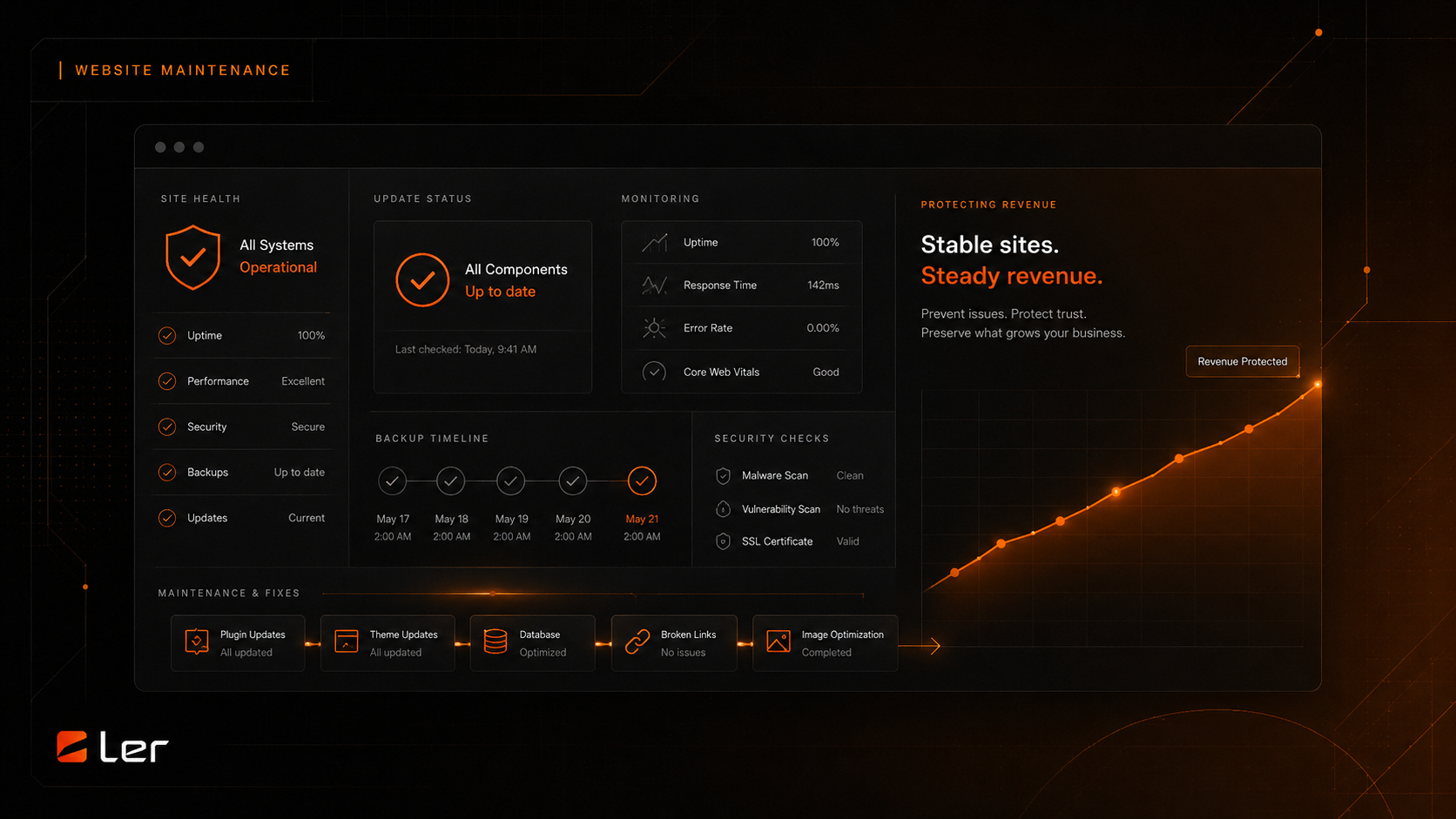
How Website Maintenance Protects Revenue
Why updates, monitoring, backups, and small fixes matter for revenue and trust.
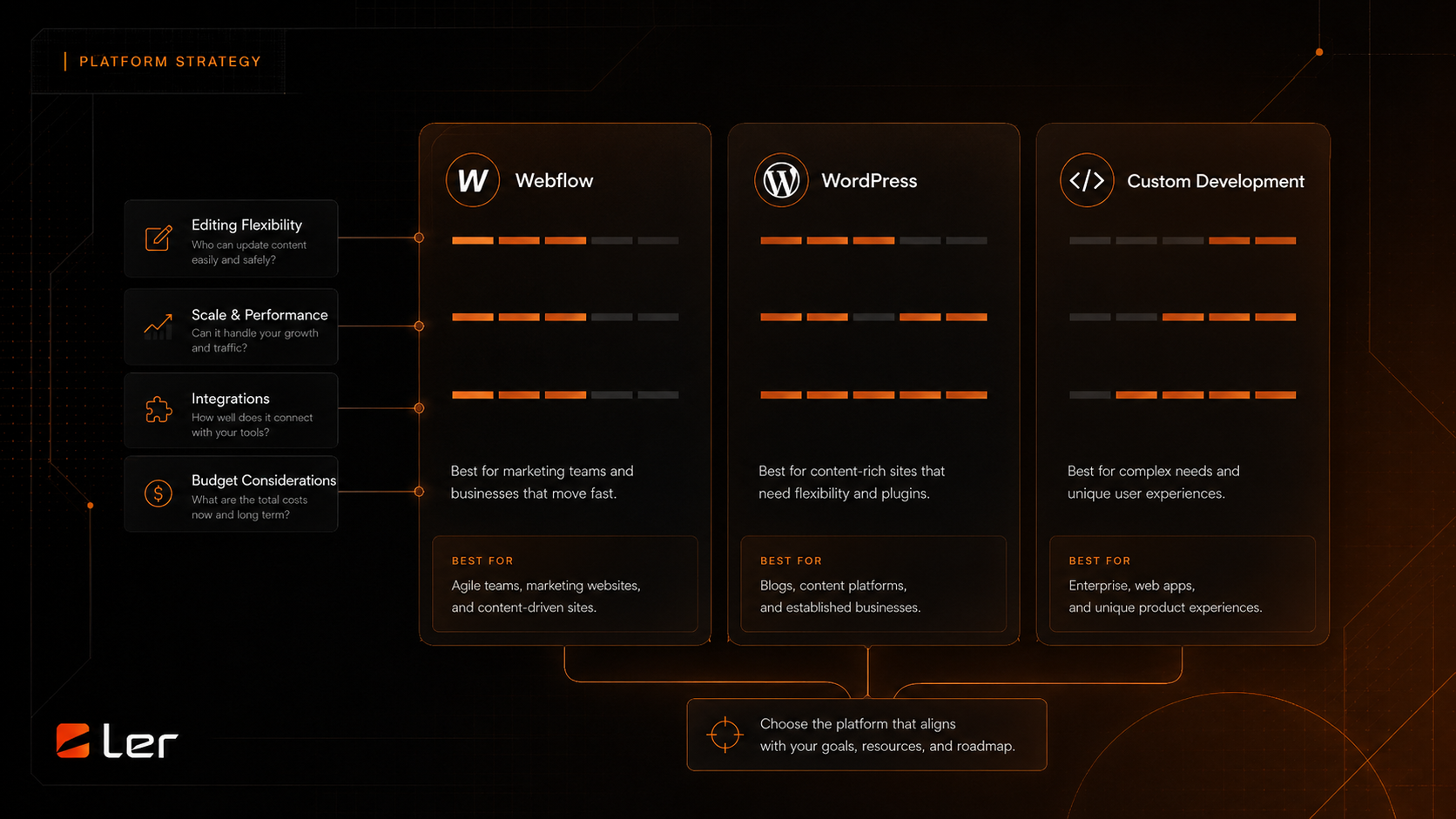
Affiliate Program vs. Agency Partner Program
How to choose between making a useful introduction and building a deeper delivery relationship with LERWS.

SEO Checklist Before Launching a Redesigned Website
A pre-launch SEO checklist for redesigned websites covering redirects, metadata, content, analytics, speed, and search visibility.

Website Redesign Cost Factors for Established Businesses
A plain-English breakdown of the factors that change website redesign scope, complexity, and timeline without publishing private project pricing.
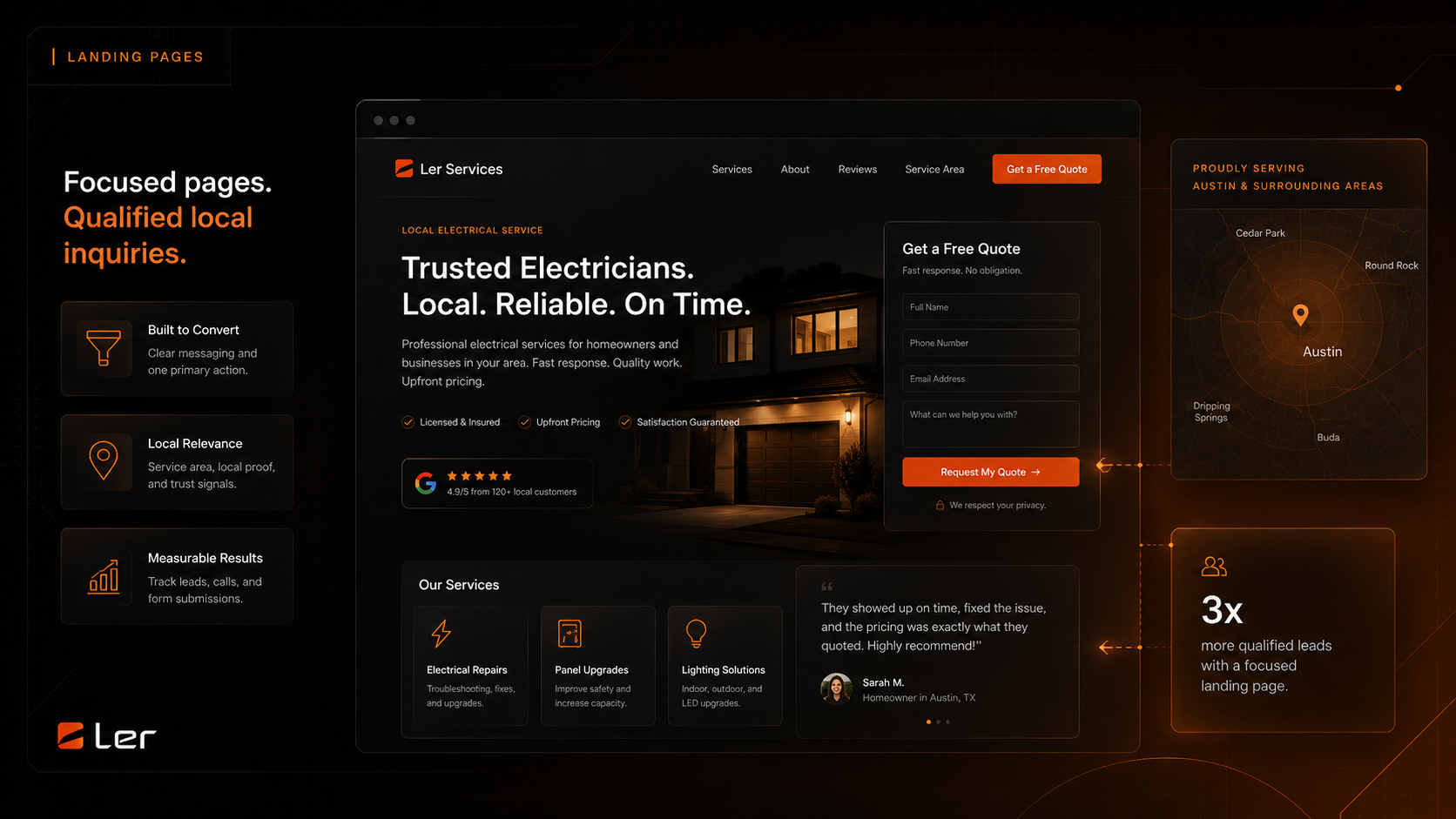
Local Service Landing Page Structure That Converts
A practical structure for local service landing pages that need clearer offers, stronger proof, better location signals, and more qualified inquiries.