
Resources
How to Add Custom Code to the Header or Footer
Header and footer code is common for analytics, ads, verification tags, chat widgets, pixels, and embedded tools. Add it carefully. A bad script can slow the site, affect privacy, or break the page.
Know what the code does
Before adding a snippet, identify where it came from and what it controls. Common examples include Google Analytics, Meta Pixel, Google Search Console verification, live chat, appointment widgets, heatmaps, and marketing automation scripts.
Use the exact snippet from the official account or vendor. Do not copy code from screenshots, old emails, or third-party articles unless the vendor confirms it is current.
If the code collects visitor data, make sure it matches your privacy policy and consent requirements. This matters even for small sites.
Use a snippet manager or theme setting
Many WordPress sites use a header/footer snippet plugin or a theme setting for custom scripts. This is safer than editing header.php or footer.php directly.
Paste header scripts into the header area only when the vendor says they must be in the head. Paste footer scripts into the footer/body area when the vendor says they can load later.
Name the snippet clearly. Use labels like "Google Analytics - GA4", "Meta Pixel", or "Search Console verification" so it can be audited later.
Test after adding the snippet
After saving, reload the site in a private browser window. Check the homepage, contact page, and any page where the script should appear.
For analytics or ad pixels, use the vendor test tool to confirm the tag fires. For chat or booking embeds, click through the visible widget and make sure it opens correctly.
If the site slows down, shows console errors, or a widget overlaps important content, disable the snippet and ask for help before trying alternatives.
Keep the code list clean
Remove old verification tags, duplicate pixels, unused chat widgets, and tracking tools that no one checks anymore. Old scripts can slow the site and make reporting less accurate.
Document who owns each account. A website should not depend on an analytics or ad account that no one can access.
If LER manages the site, send the official snippet and account context. I will place it in the right location and confirm it loads.
Official references
Use these public WordPress references for the platform details behind this guide.
Related Client Guides
How to Edit a Page or Post in WordPress
How to update text, images, links, and simple content in WordPress while keeping the page clean and reviewable.
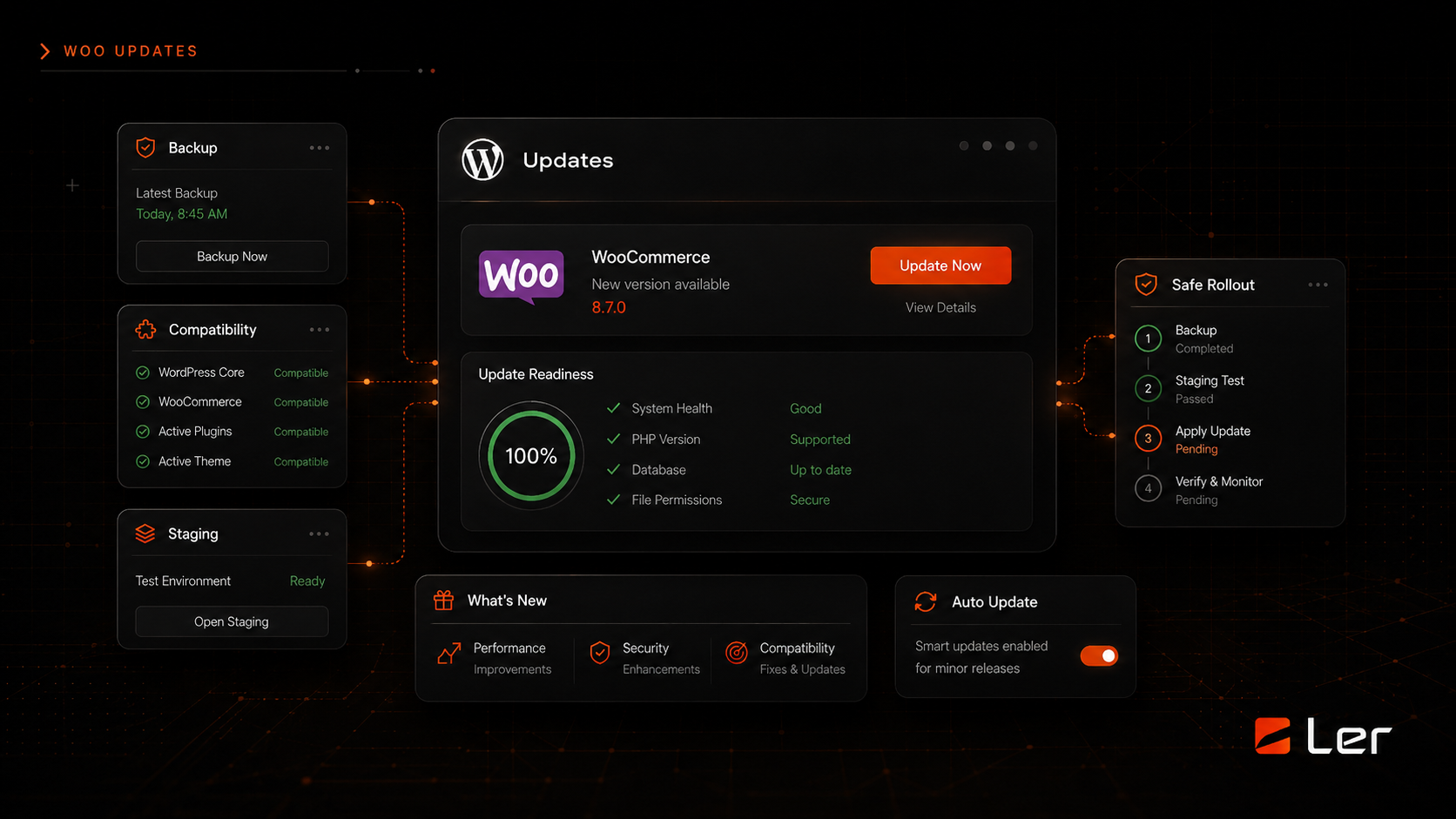
How to Update WordPress Safely
A safe order of operations for updating WordPress core, plugins, themes, and WooCommerce without gambling with the live site.
Related topics